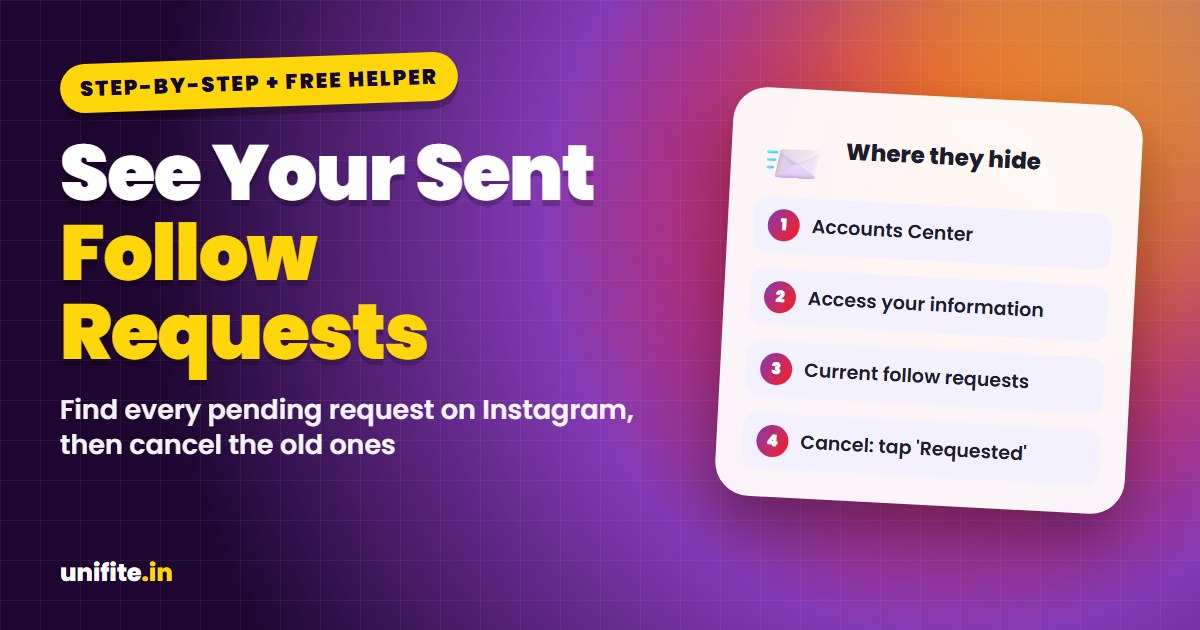
To see outgoing follow requests on Instagram, go to Accounts Center > Your information and permissions and look for Access your information > Connections > Current follow requests. If your app doesn’t show it, download your Instagram data and open the pending follow requests file. Instagram has no simple “Sent requests” button, and there is no way to cancel them all at once: you open each profile and tap Requested to withdraw.
Use the tool below to get the steps that fit what you want to do: see the list, cancel requests, or check a single account.
Why Would You Check Sent Follow Requests?
When you tap Follow on a private account, Instagram sends a request that stays pending until the person accepts or declines. These requests pile up over the years. People check them to:
- Cancel old requests to accounts they no longer care about.
- Clean up before making their own account look tidy.
- Make sure they didn’t accidentally request someone.
The other person can see your pending request in their requests list until they act on it or you withdraw it.
Method 1: See Sent Requests in Accounts Center
On many current versions of Instagram:
- Tap your profile picture, then the menu (three lines).
- Tap Accounts Center.
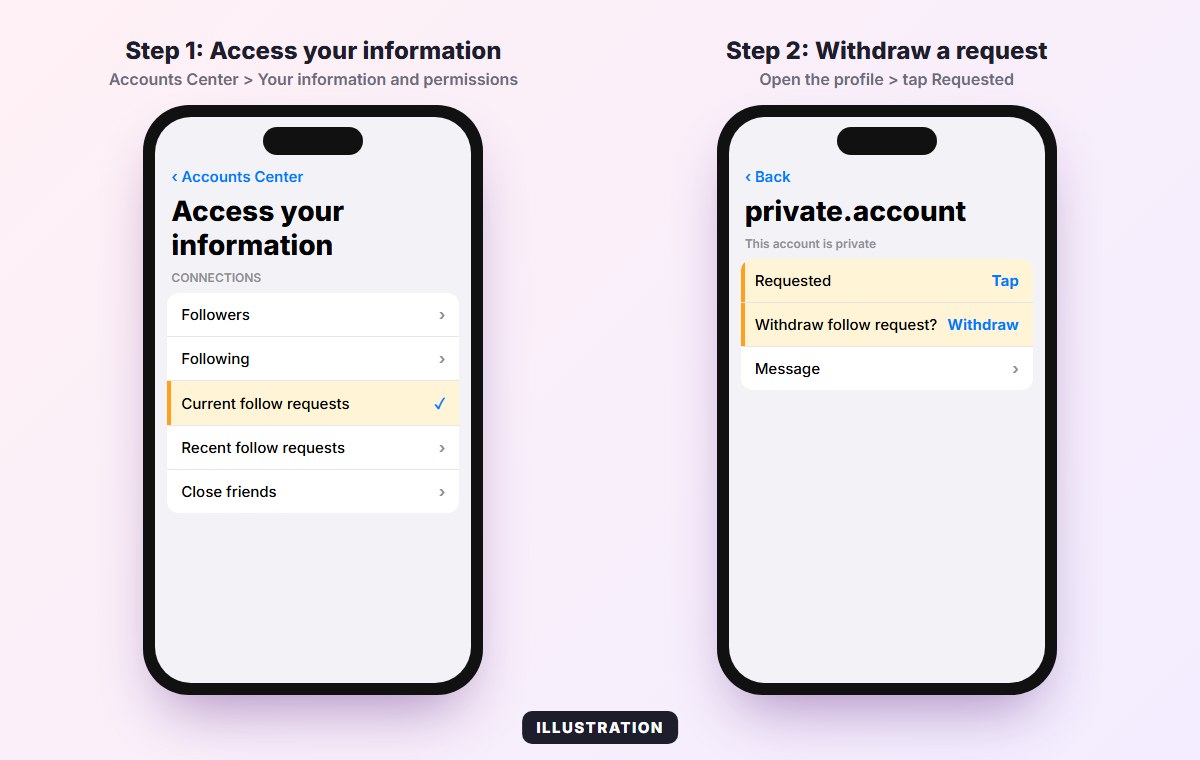
- Tap Your information and permissions > Access your information.
- Choose your Instagram account if asked.
- Open Connections (or Followers and following) and tap Current follow requests.
Meta moves these menus often. If you don’t see Current follow requests, use Method 2.
Method 2: Download Your Instagram Data
This always works, but takes longer:
- Go to Accounts Center > Your information and permissions > Download your information.
- Tap Download or transfer information and pick your Instagram account.
- Choose Some of your information and select Followers and following (Connections).
- Choose Download to device, format HTML (easier to read), and date range All time.
- Tap Create files. Instagram notifies you when it’s ready, often within minutes to a few hours.
- Open the downloaded file and look for pending follow requests in the followers and following folder.
The file lists every account you’ve requested that hasn’t accepted yet, often with the date.
How to Cancel Sent Follow Requests
- Search for the account from your list.
- Open the profile. The button says Requested.
- Tap Requested, then confirm to withdraw.
There’s no official “cancel all” button. Be careful with apps or websites that promise to cancel all requests at once: they need your Instagram login, which is risky and against Instagram’s rules. Doing it by hand also avoids Instagram’s action limits, which can temporarily block you if you unfollow or cancel too many accounts too fast. Do a few dozen at a time.
Does the Other Person Know If You Cancel?
There’s no notification when you withdraw a request. The request simply disappears from their list. If they already saw it, they may remember, but Instagram doesn’t tell them.
Curious what else people can and can’t see? Read can you see who viewed your Instagram profile. If you’ve changed your name over the years, our guide to seeing your past Instagram usernames shows where that history lives too.
Related guides: How to reset your Instagram algorithm and How to Change Sensitive Content on Instagram.
FAQ
Can I see who I sent a follow request to on Instagram?
Yes, through Accounts Center > Access your information > Current follow requests, or by downloading your data and opening the pending follow requests file.
How do I cancel all follow requests on Instagram at once?
There’s no official way. Open each profile and tap Requested to withdraw. Avoid third-party apps that ask for your password.
Do follow requests expire?
No. A request stays pending until the person accepts or declines it, or you cancel it.
Does Instagram notify someone when I cancel my request?
No. The request disappears without a notification.
Why can’t I find Current follow requests?
Menu names change between app versions. If it’s missing, download your Instagram information and open the pending follow requests file.
The Bottom Line
Your sent follow requests are in Accounts Center or in your data download. To cancel, visit each profile and tap Requested. Go slowly, skip “cancel all” apps, and your list will be clean in a few minutes.
How we checked this: steps were checked against Instagram’s Help Center and Meta’s Accounts Center in November 2026. Menu names can change. Source: Instagram Help Center.