Is your Instagram feed full of Reels you never wanted to see? Maybe you watched a few videos about one topic, and now the app shows you nothing else. The good news is that you can reset your Instagram algorithm, and in 2026 Instagram gives you more control than ever.
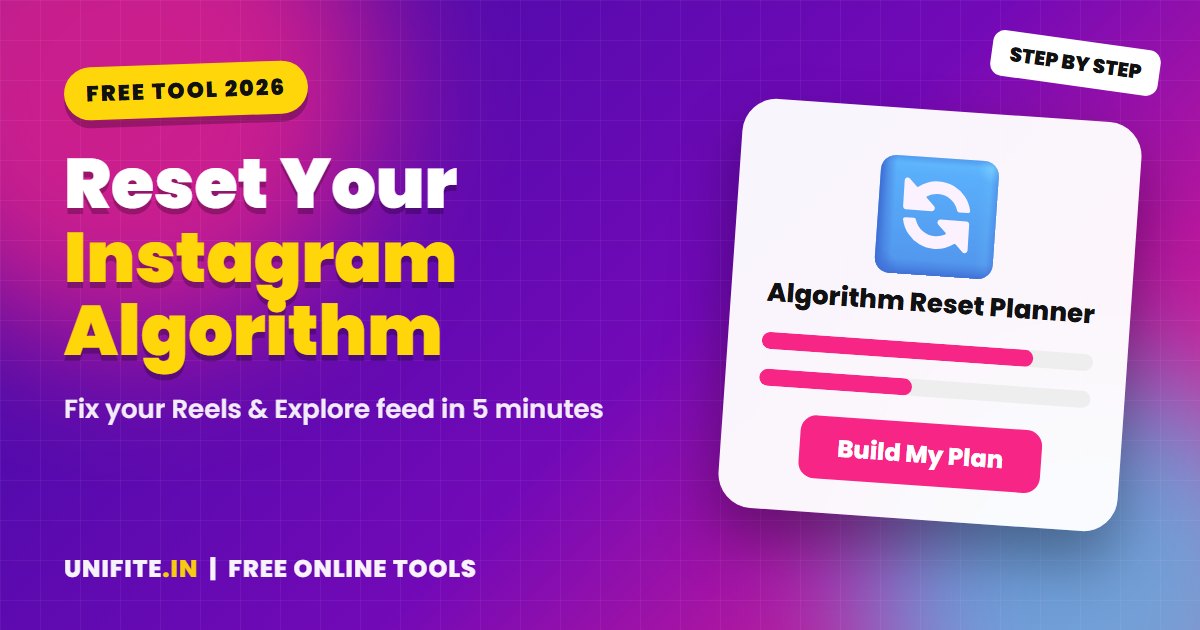
This guide shows you exactly how to do it. Use the free Instagram Algorithm Reset Planner below: pick the topics you want more of and less of, and it builds a personal step-by-step plan for you. It runs in your browser and saves nothing.
What Does It Mean to Reset the Instagram Algorithm?
Instagram does not use one single algorithm. It uses different ranking systems for your Feed, Stories, Reels and Explore. Each system looks at signals such as what you watch to the end, what you like, save and share, who you message, and what you search for.
When you “reset” the algorithm, you change those signals. You remove old interests, add new ones and send clear feedback about what you do not want. After a few days, Instagram starts recommending content that matches your new choices.
How to Use “Your Algorithm” on Instagram
Your Algorithm is a newer Instagram feature that shows the topics the app thinks you like. You can remove topics and add new ones by typing them in. This is the fastest way to steer your Reels feed.
- Open the Reels tab.
- Tap the menu icon at the top of the screen and choose Your Algorithm. On some newer versions you can pull down on the Home feed to open it.
- Look at the topic list. Tap the remove option on anything you do not want.
- Tap Add and type the topics you want to see more of.
- Scroll Reels for a few minutes so the app can test your new choices.
If you do not see Your Algorithm yet, update the Instagram app. Features roll out in stages, and the menu name or location can change between versions.
How to Fully Reset Suggested Content
If your feed is completely off track, use the full reset. Go to Settings and activity > Content preferences > Reset suggested content. This clears the recommendations in Explore, Reels and your Feed so the app can learn your interests again.
A full reset does not delete your posts, followers, messages or saved items. It only affects what Instagram suggests to you. Many people use it once, then use Your Algorithm for small fixes later.
7 Habits That Keep Your Feed Clean After a Reset
Resetting is only half the job. What you do in the next few days teaches Instagram what you really want. Follow these habits:
- Tap “Not interested” on Reels you do not want instead of just scrolling past them.
- Clear your search history from Your activity, because old searches pull old topics back.
- Search for your new topics and watch a few Reels to the end.
- Save and share posts you love. Saves and shares are strong signals.
- Follow 5 to 10 accounts in each new interest.
- Mute or unfollow accounts that mostly post content you no longer want.
- Use the Following feed when you only want posts from people you follow.
How Long Does It Take for the Instagram Algorithm to Change?
Most people notice a difference in 2 to 4 days. Your Algorithm changes apply right away, but the feed needs a few sessions to show more of the new topics. If an unwanted topic comes back after a week, remove it again and tap “Not interested” on a few more Reels.
Reset Tips for Creators and Businesses
If you post content, your own viewing habits do not change who sees your posts. Your reach depends on how your audience reacts to your content. To grow, focus on clear topics, strong hooks and good hashtags. Our free Instagram hashtag generator helps you pick relevant tags, and the engagement rate calculator shows if your posts are actually working.
Want a fresh look for your profile after the reset? Try the caption and bio generator and the Instagram font generator.
Stay Safe While You Explore New Topics
A fresh feed often brings new accounts into your DMs. Be careful with “brand deal” offers, giveaways and investment tips from strangers. If a message feels off, paste it into our free Is This a Scam? checker before you reply.
Frequently Asked Questions
Can I completely reset my Instagram algorithm?
Yes. Use Reset suggested content in Content preferences to clear recommendations, then use Your Algorithm to add the topics you want. Your account, posts and followers stay the same.
Does resetting the algorithm delete my data?
No. It does not delete posts, messages, followers or saved posts. It only changes what Instagram recommends to you.
Why does my Instagram feed keep showing the same content?
Instagram shows more of what you watch for longer. If you keep watching one type of Reel, even when you do not like it, the app thinks you want more. Remove the topic in Your Algorithm and tap “Not interested” a few times.
Is there an Instagram algorithm reset button?
There is no single button for everything, but Reset suggested content is the closest thing. Combine it with Your Algorithm and clearing your search history for the best result. For official details, see the Instagram Help Center.
Will a new account have a clean algorithm?
A new account starts fresh, but you lose your followers and history. Resetting your current account is usually the better choice.