
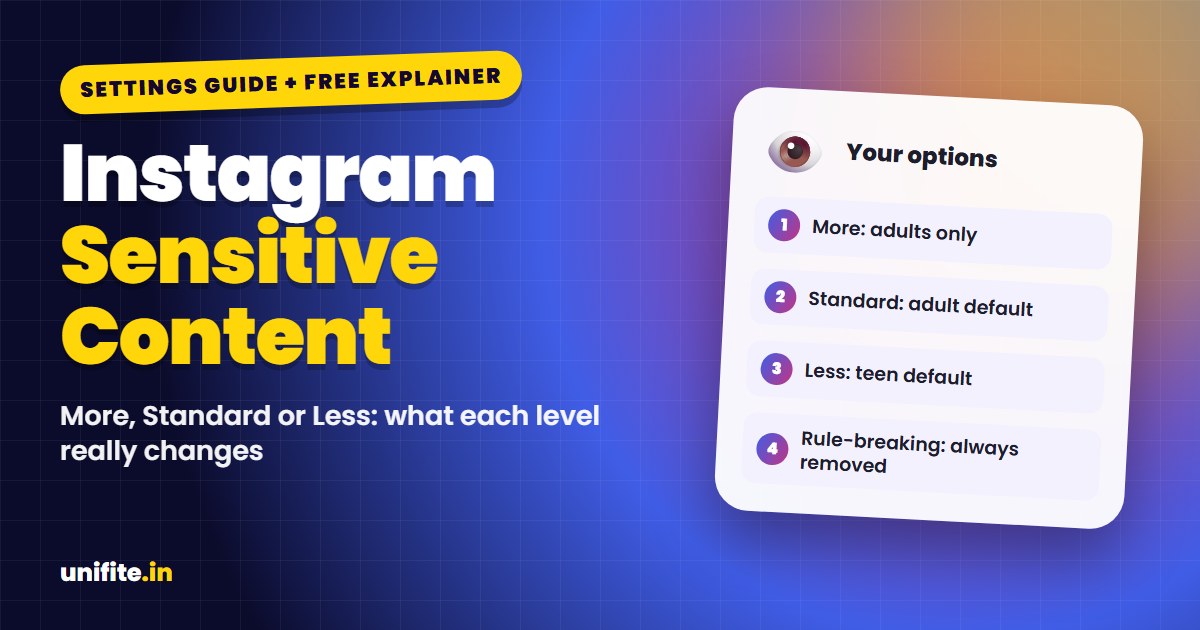
To change what you see on Instagram, use the Sensitive Content Control: tap your profile, the menu (three lines), then Content preferences > Sensitive content, and choose More, Standard or Less. Adults can pick any level. Teen Accounts are set to show less sensitive content, and in the US they follow a 13+ content setting that teens can’t loosen without a parent. There is no setting that shows content Instagram removes for breaking its rules.
Use the tool below to see which setting applies to your account and what each level really changes.
What Counts as “Sensitive Content” on Instagram?
Sensitive content is content that doesn’t break Instagram’s rules but that some people may not want to see. Instagram’s examples include:
- Violent or graphic scenes, like fights.
- Sexually suggestive content, like people in see-through clothing.
- Content that promotes regulated products, like tobacco, vaping or alcohol.
- Some cosmetic procedures and weight-loss products.
This setting only changes what Instagram recommends to you from accounts you don’t follow, in places like Explore, Reels, Search and suggested posts. It doesn’t hide posts from accounts you follow.
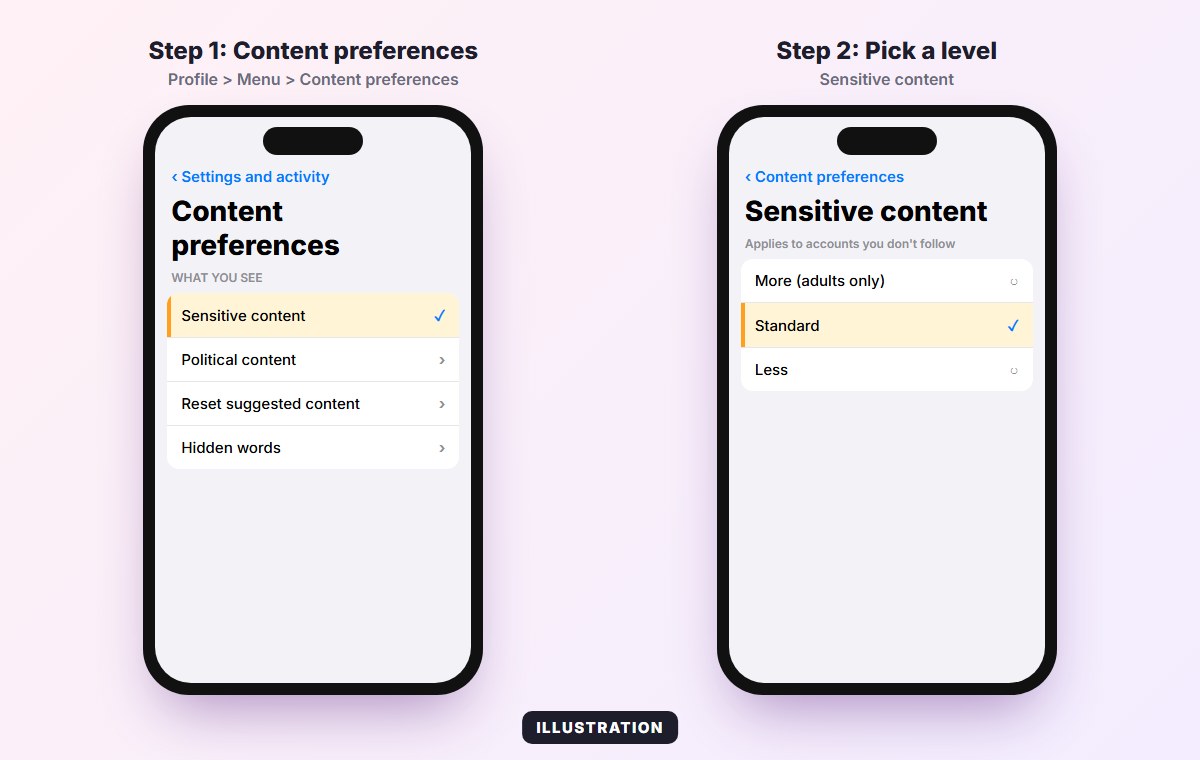
How to Change Sensitive Content Settings on Instagram
- Open Instagram and tap your profile picture.
- Tap the menu (three lines) in the top right.
- Scroll to What you see and tap Content preferences (on some versions: Suggested content).
- Tap Sensitive content.
- Choose More, Standard or Less and confirm.
More vs Standard vs Less: What Changes
- More: you may see more photos and videos that could be upsetting or offensive. Only available to adults.
- Standard: the default for adults. Instagram filters some sensitive content from recommendations.
- Less: you see less of this content in recommendations. This is the default for teens.
Whichever level you choose, content that breaks Instagram’s Community Guidelines is still removed. No setting unlocks it.
Why Can’t I Change My Sensitive Content Setting?
- You’re under 18. Teen Accounts are set to show less sensitive content. In the US and several other countries, Teen Accounts also use a 13+ content setting inspired by movie ratings, and teens need a parent’s permission to change stricter settings.
- Your birthday in Instagram is wrong. If your account thinks you’re under 18, the More option won’t appear. You can update your birthday in Accounts Center, and Instagram may ask you to confirm your age.
- A parent supervises your account. Parents using supervision can set stricter content limits.
- Your app is out of date. Update Instagram and try again.
Parents: Extra Controls for Teens
If you supervise a teen’s account through Instagram’s Family Center, you can see and manage their settings. Parents can choose an even stricter “limited content” option on top of the default 13+ setting. Instagram also offers time limits and sleep mode for teens.
Other Ways to Shape What You See
- Not interested: tap the three dots on a post or Reel and choose Not interested. Each tap teaches the feed.
- Hidden words: Settings > Hidden words lets you hide comments and messages with words you choose.
- Reset suggested content: starts your recommendations fresh. Our Instagram algorithm reset planner walks you through it.
- Mute or unfollow accounts whose posts you don’t want.
Want to change how Instagram looks too? See how to switch on Instagram dark mode.
Related guides: Can you see who viewed your Instagram profile? and Instagram Hashtag Generator.
FAQ
How do I see sensitive content on Instagram?
If you’re 18 or older, go to Content preferences > Sensitive content and choose More. It shows more sensitive content in recommendations, but nothing that breaks Instagram’s rules.
Why is there no “More” option on my Instagram?
The More option is only for adults. If you’re under 18, or Instagram thinks you are, you’ll only see Standard and Less, or the setting may be locked.
Does the sensitive content setting affect accounts I follow?
No. It only changes recommendations from accounts you don’t follow, in Explore, Reels, Search and suggestions.
Can teens turn off the 13+ content setting?
Not on their own. Teen Accounts need a parent’s permission to change stricter safety settings.
Is it safe to use “More”?
It’s an adult choice. You may see more upsetting content in recommendations. You can switch back to Standard or Less at any time.
The Bottom Line
Instagram’s Sensitive Content Control changes what it recommends, not what’s allowed. Adults can choose More, Standard or Less in Content preferences. Teens are set to show less, and parents control any stricter limits.
How we checked this: settings were checked against Meta’s Family Center, Instagram’s Help Center and Meta’s Teen Accounts announcements in November 2026. Sources: Meta Family Center: Instagram sensitive content controls, Instagram Help Center.