
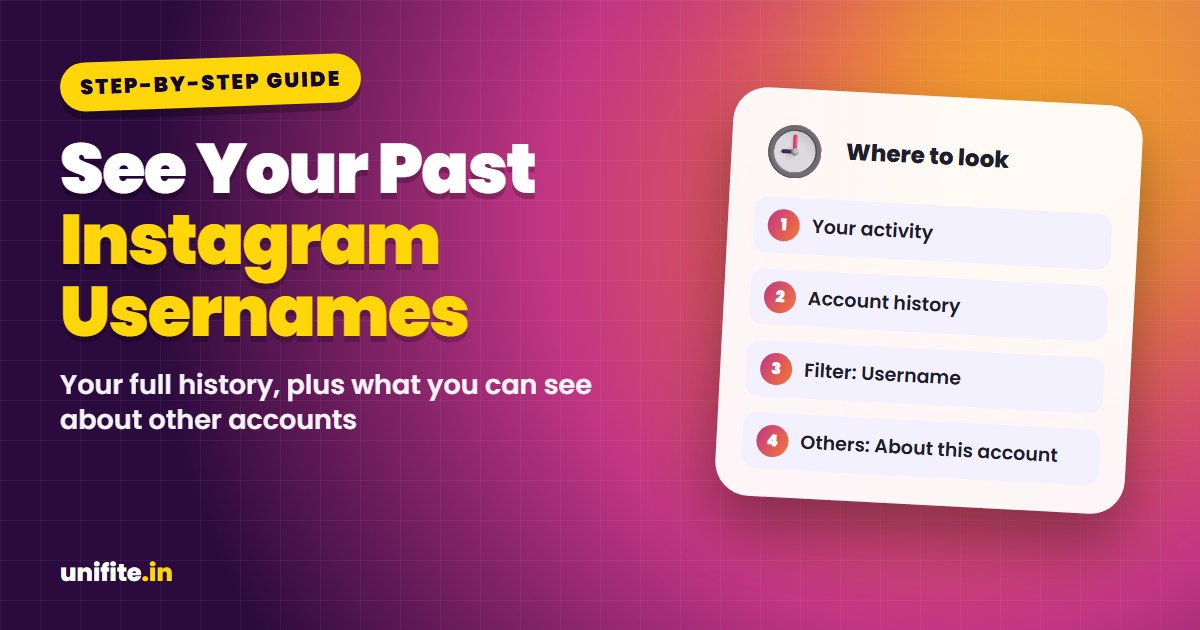
To see your past usernames on Instagram, go to your profile, tap the menu (three lines), then Your activity > Account history. It lists every username change with the date. For someone else’s account, open their profile, tap the three dots and choose About this account. Instagram may show how many times they changed their username, and for some accounts, the former usernames.
Use the step finder below to get the exact steps for your situation, whether it’s your own account or someone else’s.
How to See Your Own Past Instagram Usernames
Instagram keeps a full record of changes to your own account:
- Open Instagram and tap your profile picture in the bottom right.
- Tap the menu (three lines) in the top right.
- Tap Your activity.
- Scroll down and tap Account history.
- Look for Username entries. Each one shows the old username, the new one and the date.
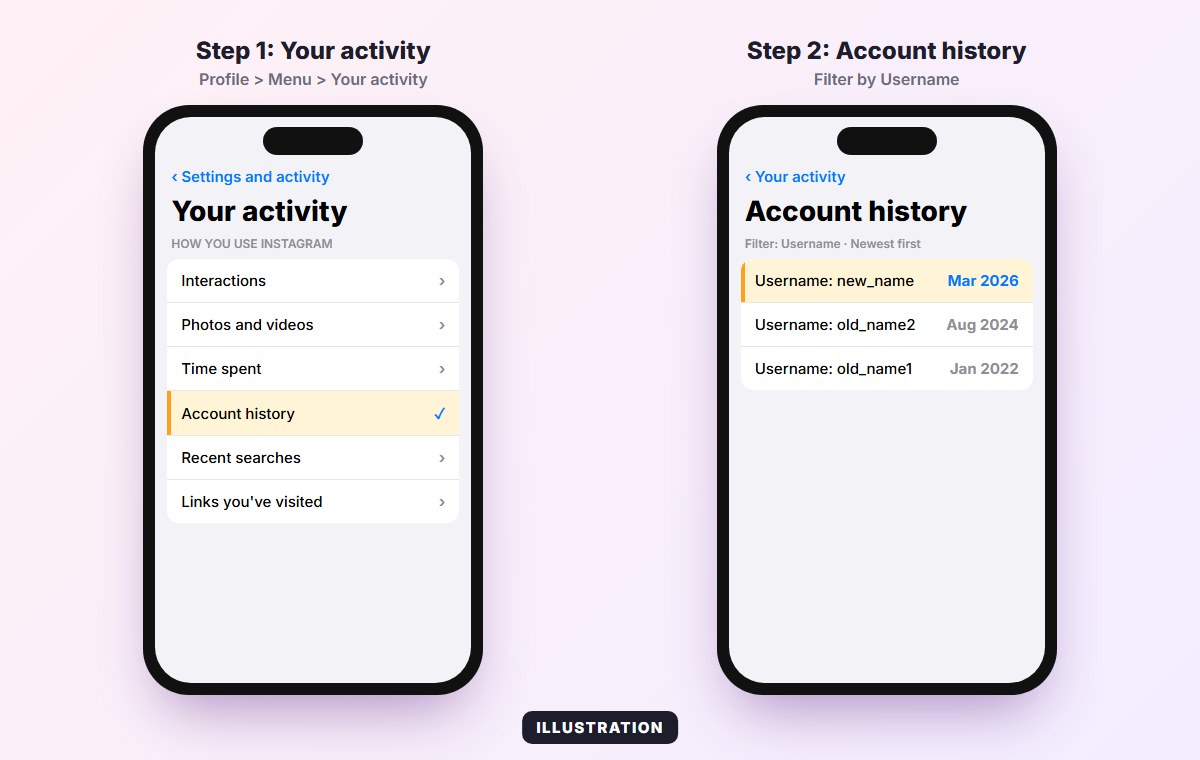
You can filter Account history by type (username, name, bio, privacy, password) and sort it newest or oldest first. If the list is long, filter by Username to see only those changes.
Get a full copy in your data download
For a permanent record, request your data: Accounts Center > Your information and permissions > Download your information. Choose your Instagram account and include Personal information or Account information. The file includes profile changes, including past usernames.
How to See Someone Else’s Past Usernames
You can’t see another person’s full username history in every case. What Instagram shows:
- Open their profile.
- Tap the three dots in the top right.
- Tap About this account.
- Look for Former usernames or the number of username changes.
What you’ll see depends on the account. Instagram shows this mainly for accounts with a large reach and for accounts that changed names recently. For many regular accounts, the option doesn’t appear at all. If it’s not there, there is no official way to see more.
Why Check Former Usernames?
- Spot impersonators. Scam accounts often change their names to copy a brand or a celebrity. Several recent name changes is a warning sign.
- Check a seller or influencer. A shop that renamed itself many times may be trying to escape bad reviews.
- Find an old friend who changed their handle, by searching their old username in Google or asking mutual friends.
If an account that messages you has changed names a lot and asks for money, codes or a login, treat it as a scam. Our free Is This a Scam? checker can help you judge the message.
Beware of “Username History” Websites
Sites that promise the full username history of any Instagram account can’t access Instagram’s private data. Most show guesses from old public caches, or ask you to log in, which puts your account at risk. Never enter your Instagram password on a third-party site.
Changing Your Username: What to Know
- After you change your username, your old one may be available to others right away, so someone could take it.
- Instagram can limit how often you change your username in a short period.
- Old links to your profile with the old username stop working.
- Your followers, posts and messages stay the same.
If you’re worried about what others can see about your activity in general, read our guide on whether you can see who viewed your Instagram profile.
Related guides: How to reset your Instagram password and How to reset your Instagram algorithm.
FAQ
Can you see someone’s old Instagram username?
Sometimes. Open their profile, tap the three dots and choose About this account. Instagram shows former usernames or a change count for some accounts, but not for every account.
Where is Account history on Instagram?
Go to your profile, tap the menu (three lines), then Your activity > Account history.
Does Instagram notify followers when you change your username?
No. Followers aren’t notified, but they see the new username next to your posts and in their following list.
How many times can you change your Instagram username?
There’s no published fixed number, but Instagram may block changes if you make too many in a short period.
Why can’t I see Former usernames in About this account?
Instagram only shows it for some accounts, mostly those with a large reach or recent changes. If it’s missing, there’s no official way to see more.
The Bottom Line
Your own username history is always in Your activity > Account history. For other people, About this account is the only official place to look, and it doesn’t show every account. Skip third-party history sites and never share your login.
How we checked this: steps were checked against Instagram’s Help Center and the current app in November 2026. Menu names can change between app versions. Source: Instagram Help Center.