
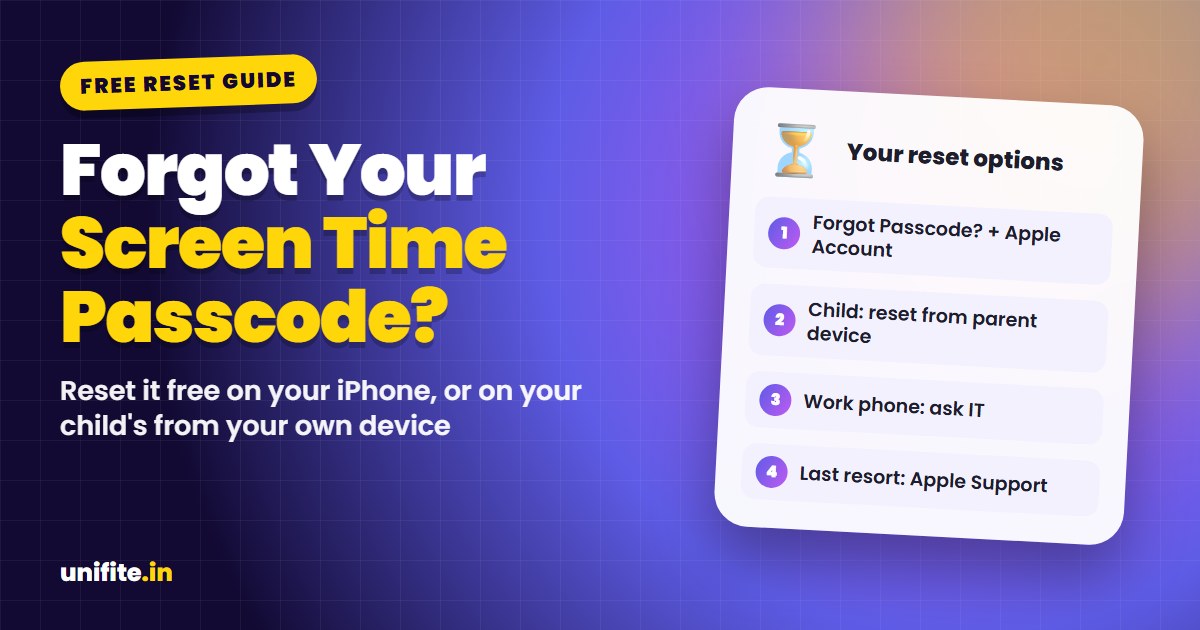
If you forgot your Screen Time passcode, you can reset it with your Apple Account: go to Settings > Screen Time > Change Screen Time Passcode, tap Forgot Passcode? and sign in with the Apple Account you used when you set it up. If it’s your child’s iPhone and you use Family Sharing, reset it from your device, not the child’s: Settings > Screen Time > your child’s name.
Pick your situation in the tool below to get the right steps, plus fixes if “Forgot Passcode?” doesn’t show up.
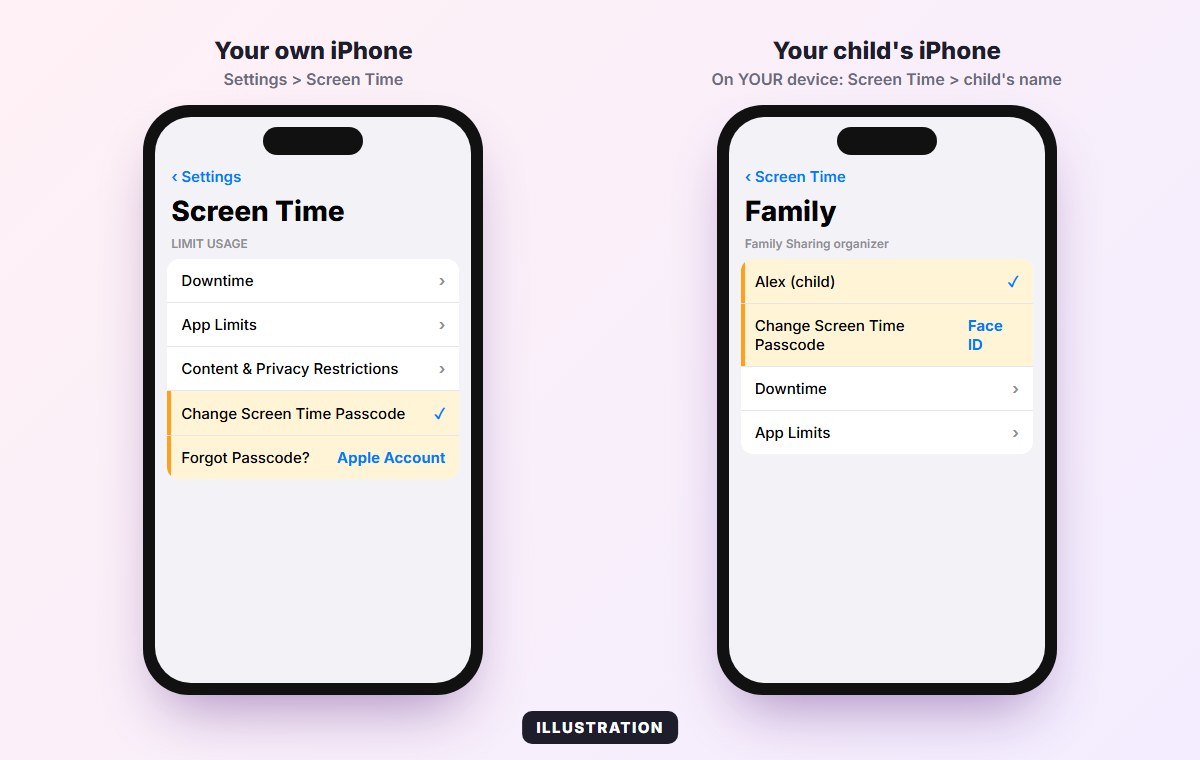
How to Reset a Forgotten Screen Time Passcode on Your Own iPhone
- Make sure your iPhone or iPad is up to date.
- Open Settings > Screen Time.
- Tap Change Screen Time Passcode, then tap Change Screen Time Passcode again.
- Tap Forgot Passcode?.
- Enter the Apple Account email and password you used when you set up the Screen Time passcode.
- Enter a new Screen Time passcode, then enter it again to confirm.
If you have more than one Apple Account, you must use the same one you entered for Screen Time Passcode Recovery when you created the passcode.
How to Reset a Child’s Screen Time Passcode (Family Sharing)
If you manage your child’s account with Family Sharing, the family organizer resets it from their own device:
- On your iPhone or iPad, open Settings > Screen Time.
- Scroll down and tap your child’s name under Family.
- Tap Change Screen Time Passcode (or Manage Screen Time, then the passcode option).
- Authenticate with Face ID, Touch ID or your device passcode.
- Enter a new Screen Time passcode for your child.
The “Forgot Passcode?” option on the child’s own device is often missing on purpose, so children can’t reset it themselves.
“Forgot Passcode?” Not Showing? Here’s Why
- The device is managed by Family Sharing. Reset it from the organizer’s device as described above.
- Screen Time Passcode Recovery wasn’t set up. Without an Apple Account linked to the passcode, the option may not appear.
- The device is managed by a school or employer (MDM). Contact the IT admin.
- iOS is out of date. Update in Settings > General > Software Update.
What If Nothing Works?
If you can’t reset it with your Apple Account or Family Sharing, your options are:
- Contact Apple Support. They can help confirm you own the account.
- Erase and restore the iPhone as a last resort. Back up first. Restoring from a backup made while the passcode was set may bring the passcode back, so you may need to set up as new or from an older backup.
Be careful with paid “Screen Time unlocker” software and websites. Many don’t work on current iOS versions, and some are scams that ask for your Apple Account password. Apple’s own reset is free.
Screen Time Passcode vs iPhone Passcode
They’re different:
- Your iPhone passcode unlocks the phone.
- The Screen Time passcode protects Screen Time settings like app limits, Downtime and Content & Privacy Restrictions.
Using a different code for each is safer, especially on a child’s phone. While you’re in Settings, it’s also a good time to check that Find My is set up to work even when the phone is off.
Related guides: Touch ID vs Face ID and What’s new in iOS 27.2.
FAQ
How do I reset my Screen Time passcode without my Apple ID?
Apple’s reset needs the Apple Account linked to Screen Time. Without it, contact Apple Support or, as a last resort, erase the device and set it up again.
Can my child reset the Screen Time passcode?
Not if you manage their account with Family Sharing. Only the family organizer can change it from their own device.
What happens after too many wrong Screen Time passcode attempts?
The iPhone makes you wait longer between attempts. It doesn’t erase the phone, but use Forgot Passcode? instead of guessing.
Does resetting the Screen Time passcode delete data?
No. Resetting it with Forgot Passcode? or from the organizer’s device doesn’t delete anything.
Why doesn’t my iPhone show “Forgot Passcode?”
The device may be managed through Family Sharing or by a school or company, or Screen Time Passcode Recovery wasn’t set up with an Apple Account.
The Bottom Line
Forgot your Screen Time passcode? Use Forgot Passcode? with your Apple Account on your own device, or reset your child’s passcode from your device through Family Sharing. Skip paid unlock tools, and contact Apple Support if neither option works.
How we checked this: steps were checked against Apple Support documents in November 2026. Source: Apple: Change or reset your Screen Time passcode.