
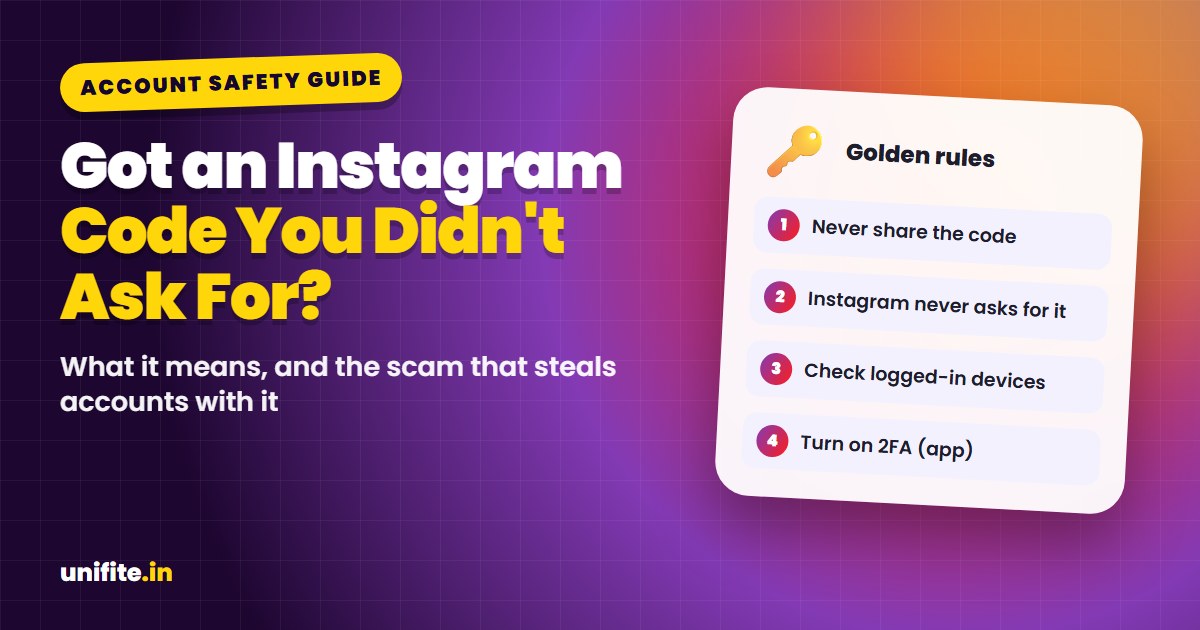
An Instagram confirmation code is a short number Instagram sends by text, email or WhatsApp to prove that you are the owner of an account. You get one when you sign up, log in on a new device, reset your password, or use two-factor authentication. If you got a code you didn’t ask for, someone typed your phone number, email or username into Instagram. It doesn’t mean they got in, as long as you never share the code.
Use the helper below to find out what your code means and what to do next.
When Instagram Sends a Confirmation Code
- Creating an account: to confirm your phone number or email.
- Logging in on a new phone or browser: to confirm it’s really you.
- Two-factor authentication (2FA): every time you log in, if you turned on 2FA by text or WhatsApp.
- Resetting your password: when you tap “Forgot password?”.
- Changing your phone number or email: to confirm the new contact.
A real Instagram code is usually 6 digits and comes from Instagram, from a short code number, or from an email address ending in @mail.instagram.com.
Why Did I Get an Instagram Code I Didn’t Request?
There are three common reasons:
- Someone typed your number or email by mistake. It happens more often than you’d think, especially with phone numbers.
- Someone is trying to get into your account. They may know your username or have an old password from a data leak, and they’re trying “Forgot password?” or a login.
- It’s a fake message. Scammers send texts or emails that look like Instagram codes to get you to click a link or reply.
In all three cases, the code alone can’t open your account. The danger starts when someone tricks you into sharing it.
The “Send Me the Code” Scam
This is the most common way Instagram accounts get stolen. It goes like this:
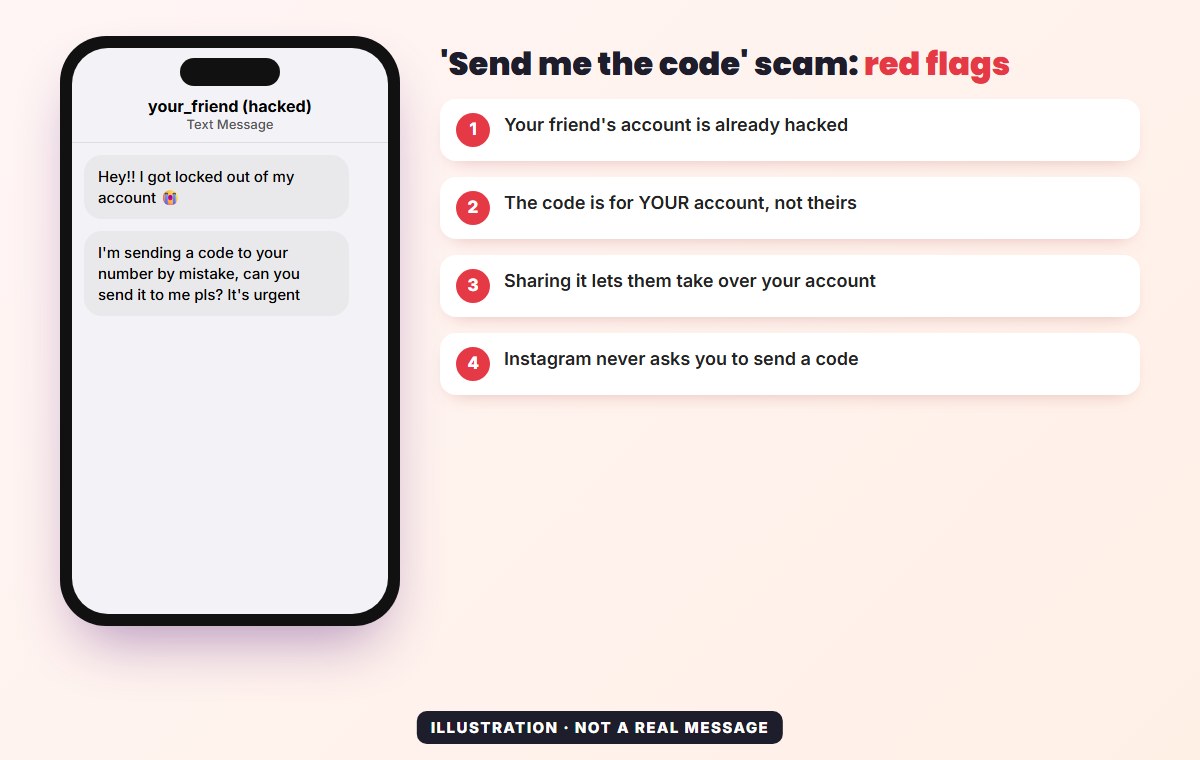
- A friend’s account (already hacked) messages you: “Hey, I’m locked out. I’m sending a code to your number by mistake, can you send it to me?”
- You get a real Instagram code, because the scammer is trying to log in to your account with your phone number.
- You send it, and the scammer takes over your account, changes the password and email, and uses it to scam your friends.
Other versions say you won a contest, need to “verify” your account to keep a badge, or that Instagram support needs the code. Instagram never asks you to send a code to anyone. Anyone asking for it is trying to take your account.
What to Do If You Got an Unexpected Code
- Don’t share it and don’t click any links in the message.
- Open the Instagram app yourself and check Accounts Center > Password and security > Where you’re logged in. Log out any device you don’t know.
- Change your password if you think someone knows it. Use a new password you don’t use anywhere else.
- Turn on two-factor authentication with an authentication app, which is safer than text messages: Accounts Center > Password and security > Two-factor authentication.
- Check your email and phone number in Accounts Center are still yours.
- Save backup codes somewhere safe, not in your phone’s photos.
What If You Already Shared the Code?
Act fast:
- If you can still log in, change your password right away and log out all other devices.
- If you can’t log in, go to the Instagram login screen and tap Forgot password?, or use instagram.com/hacked to start recovery. Our guide on how to recover your Instagram password covers each step.
- Warn your friends in another app that your account may send scam messages.
Confirmation Code Not Arriving? Quick Fixes
- Check you typed the right phone number or email.
- Look in spam, promotions and “unknown senders” folders.
- Wait a few minutes before asking for a new code. Asking too many times can lock you out for a while.
- Try another way, like email instead of text, or “Need more help?” on the login screen.
- If you use 2FA with an authentication app, open that app for the code instead of waiting for a text.
Related guides: Is This a Scam? message checker and Smartphone privacy features to turn on.
FAQ
What is an Instagram confirmation code?
It’s a short code Instagram sends to confirm you own an account, when you sign up, log in on a new device, reset your password or use two-factor authentication.
Can someone hack my Instagram with a confirmation code?
Only if you give it to them. That’s why scammers ask for it. Never send an Instagram code to anyone, even a friend.
Why do I keep getting Instagram codes?
Someone may keep entering your phone number or email, by mistake or on purpose. Turn on two-factor authentication with an authentication app and use a strong password.
Does Instagram ever ask for my code by DM?
No. Instagram will never ask you to send a code by direct message, text or email.
Is a WhatsApp message with an Instagram code real?
It can be, if you chose WhatsApp for codes. But if someone asks you to forward it, it’s a scam.
The Bottom Line
A confirmation code proves account ownership, so treat it like a key. An unexpected code means someone entered your details, but they can’t get in without it. Never share it, check your logged-in devices, and turn on two-factor authentication.
How we checked this: steps were checked against Instagram’s Help Center and Meta’s Accounts Center in November 2026. Sources: Instagram Help Center, Instagram: My account was hacked.