
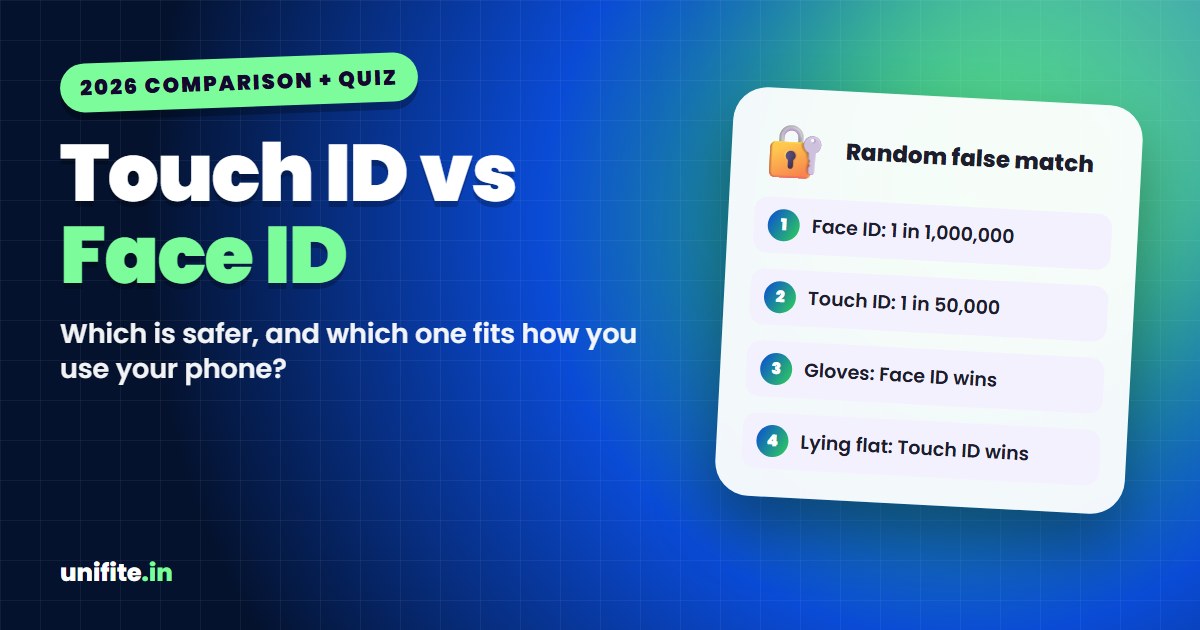
In the Touch ID vs Face ID debate, Face ID is the more secure option on paper. Apple says the chance that a random person can unlock your iPhone is less than 1 in 1,000,000 with Face ID, compared with less than 1 in 50,000 with Touch ID. Touch ID is still more convenient in some situations, like wearing a mask or using your phone lying down.
Which one is right for you depends on how you use your devices. Answer a few quick questions in the tool below and see which unlock method fits your life, plus the settings that make it safer.
Face ID vs Touch ID: The Quick Comparison
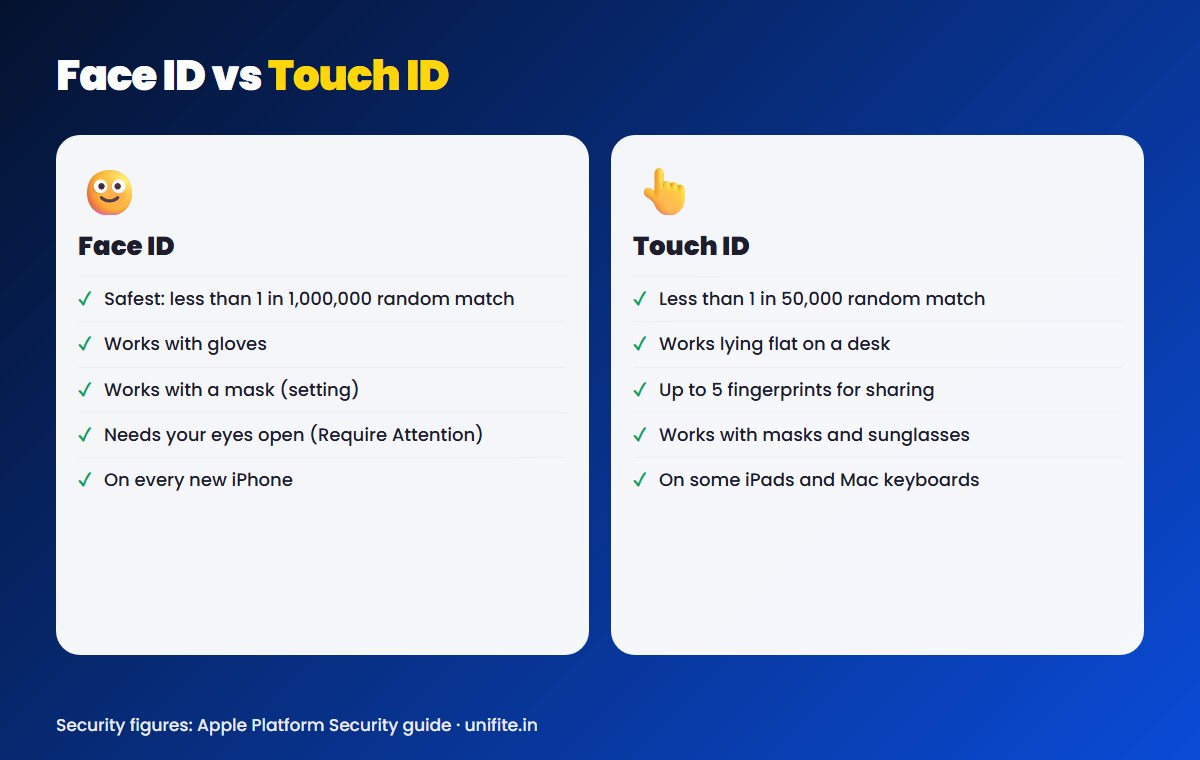
| Face ID | Touch ID | |
|---|---|---|
| How it works | 3D map of your face with an infrared camera | Fingerprint read by a sensor in a button |
| Random false match (Apple’s figure) | Less than 1 in 1,000,000 | Less than 1 in 50,000 |
| Works with gloves | Yes | No |
| Works with a face mask | Yes, with “Face ID with a Mask” turned on | Yes |
| Works lying down or at an angle | Mostly, but less reliable | Yes |
| Extra people allowed | One alternate appearance | Up to 5 fingerprints |
| Where you find it in 2026 | All current iPhones | Some iPads and Mac keyboards; older iPhones |
Is Face ID More Secure Than Touch ID?
Yes, by Apple’s own numbers. In its Platform Security guide, Apple gives these odds of a random stranger unlocking your device:
- Face ID: less than 1 in 1,000,000.
- Touch ID: less than 1 in 50,000.
Those odds change with how you set things up. Every extra fingerprint you add to Touch ID raises the risk, up to about 1 in 10,000 with five fingerprints. Adding an alternate appearance to Face ID raises it to about 1 in 500,000.
Face ID has two known weak spots. Apple says the chance of a false match is higher for twins and siblings who look like you, and for children under 13, because their faces are still developing. If that worries you, use a strong passcode instead.
When Touch ID Is the Better Choice
Face ID wins on security, but Touch ID can be easier to live with:
- You often use your phone lying flat on a desk. Touch ID works without looking at the screen.
- You want to unlock without anyone noticing. A finger on the button is quicker than raising the phone to your face.
- You share a device with family. Touch ID can store up to five fingerprints, so several people can unlock one iPad.
- You wear sunglasses that block infrared light. Some polarized lenses make Face ID fail.
When Face ID Is the Better Choice
- You wear gloves for work or in winter.
- Your hands are often wet, dirty or dry. Fingerprint sensors struggle with these.
- You want the strongest built-in biometric protection.
- You want “Attention Aware”. Face ID can require your eyes to be open and looking at the phone, so it’s harder to unlock while you sleep.
Can You Have Both on an iPhone?
Not on current models. Since Apple’s lineup moved fully to Face ID, every iPhone sold new in 2026 uses Face ID only. Touch ID now lives on some iPad models, Magic Keyboards with Touch ID for Mac, and older iPhones like the iPhone SE and iPhone 8. If you want both, the closest option is an iPhone with Face ID plus an iPad or Mac with Touch ID.
Settings That Make Face ID or Touch ID Safer
The biometric is only as strong as your settings. Check these:
- Use a 6-digit or alphanumeric passcode. Anyone who knows your passcode can bypass Face ID and Touch ID. Go to Settings > Face ID & Passcode > Change Passcode.
- Turn on Require Attention for Face ID in the same menu, so your eyes must be open.
- Turn on Stolen Device Protection. It requires Face ID or Touch ID, not just the passcode, for sensitive changes when you’re away from familiar places.
- Remove fingerprints or appearances you no longer need. Fewer enrolled prints means lower odds of a false match.
- Know the emergency lock. Press and hold the side button and a volume button until the power-off screen appears. Your iPhone then needs the passcode to unlock.
Related guides: Smartphone privacy features to turn on and What’s new in iOS 27.2.
FAQ
Which is safer, Touch ID or Face ID?
Face ID. Apple puts the random false-match risk at less than 1 in 1,000,000 for Face ID and less than 1 in 50,000 for Touch ID.
Can Face ID be fooled by a photo?
No. Face ID uses a 3D depth map and infrared, so a flat photo won’t unlock it. Very similar-looking twins or siblings are the main known risk.
Does Face ID work with a mask?
Yes, on supported iPhones. Turn on Face ID with a Mask in Settings > Face ID & Passcode. It looks at the area around your eyes.
Why don’t new iPhones have Touch ID?
Apple moved its iPhone lineup to Face ID, which allows bigger screens without a Home button. Touch ID remains on some iPads and Mac accessories.
Can someone unlock my phone while I’m asleep?
With Require Attention for Face ID turned on, your eyes need to be open and looking at the screen, which makes this much harder. With Touch ID, someone could press your finger to the sensor, so a passcode is safer if this worries you.
The Bottom Line
Face ID is the more secure choice, and it’s the only option on new iPhones. Touch ID is still handy for shared iPads, desks and masks. Whichever you use, a strong passcode and Stolen Device Protection matter just as much as the biometric itself.
How we checked this: security figures come from Apple’s Platform Security guide, and settings were checked against Apple Support in November 2026. Sources: Apple Platform Security: Biometric security, Apple: Use Face ID on your iPhone or iPad Pro.