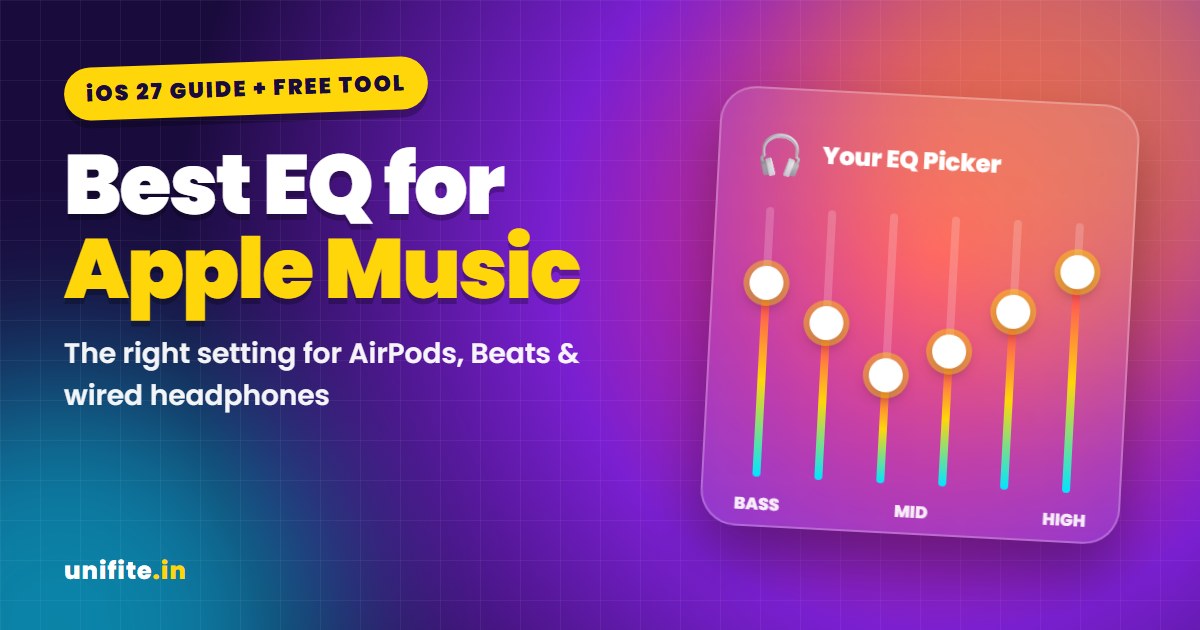
There is no single best EQ for Apple Music. For most people, the best setting is EQ Off, then one preset that fixes one specific problem: Bass Booster for more punch, Vocal Booster for clearer voices, Treble Reducer for harsh earbuds, or Late Night for noisy places. If you have AirPods Pro 2, AirPods Pro 3, AirPods 4 or AirPods Max 2 on iOS 27, the new AirPods custom EQ is now the better tool.
Use the free Apple Music EQ Picker below. Choose your headphones and the sound you want, and it gives you the preset to start with, plus the Dolby Atmos, Lossless and Sound Check settings that fit your setup.
Where Is the EQ in Apple Music on iPhone?
Apple moved app settings in recent iOS versions, so many older guides send you to the wrong place. On iOS 27, there are two different equalizers:
- Music EQ: open Settings > Apps > Music > EQ. It has about two dozen fixed presets and works only in the Music app.
- AirPods custom EQ (new in iOS 27): connect your AirPods, then open Settings > [your AirPods] > Audio & Routing > Equalizer > Custom. It has three sliders and works in every app.
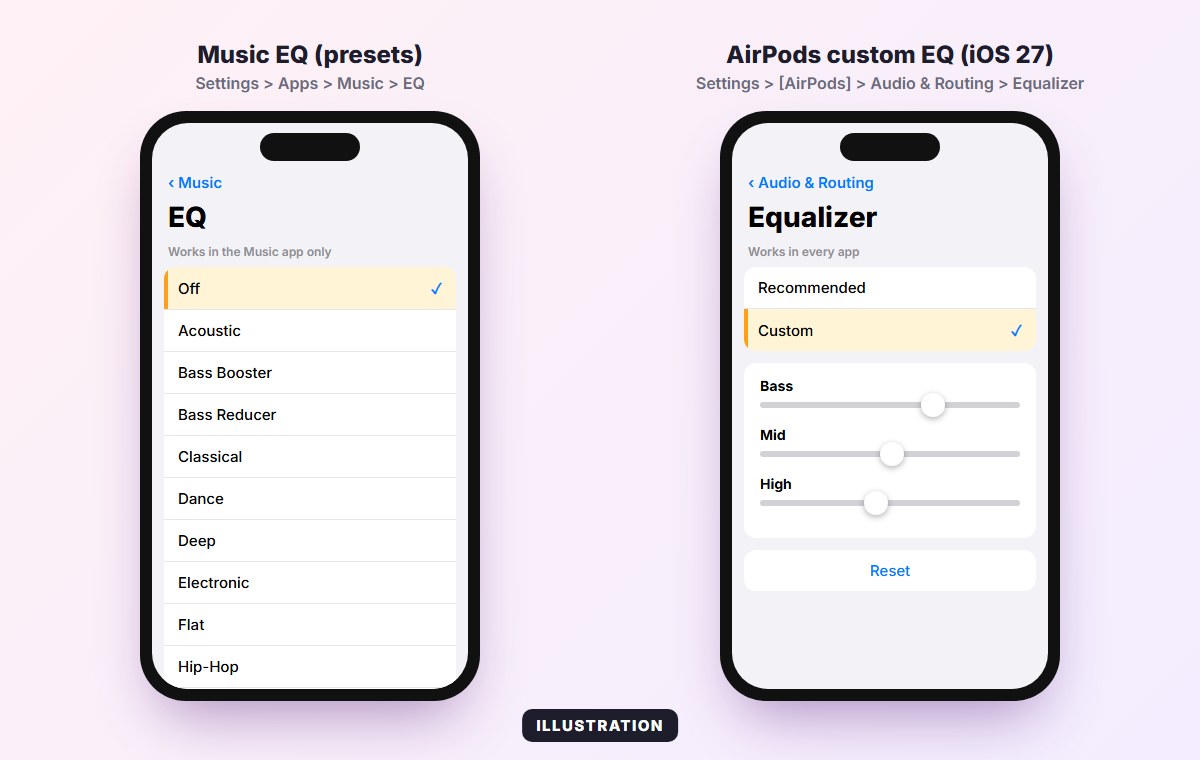
The Music EQ has no custom sliders. You can only pick a preset. Tap Off to go back to the normal sound.
What Each Apple Music EQ Preset Does
You do not need to try all of them. Most presets fall into four groups:
- Fix presets: Bass Booster, Bass Reducer, Treble Booster, Treble Reducer and Vocal Booster each push or cut one part of the sound.
- Situation presets: Late Night, Loudness, Small Speakers and Spoken Word are made for a listening situation, not a music style.
- Genre presets: Acoustic, Classical, Dance, Deep, Electronic, Hip-Hop, Jazz, Latin, Lounge, Piano, Pop, R&B and Rock shape the sound for one kind of music.
- Neutral: Off skips the EQ completely. Flat is a neutral preset. Most people hear no difference between the two.
Use this cheat sheet to go straight to the right one:
| You want | Start with | Why |
|---|---|---|
| A natural sound | Off | You hear the song the way it was mixed |
| More bass | Bass Booster | Adds weight to kick drums and bass lines |
| Clearer vocals | Vocal Booster | Lifts the range where voices sit |
| Less harsh sound | Treble Reducer | Tames sharp cymbals and hissy S sounds |
| More detail | Treble Booster | Adds air on top (skip it on bright earbuds) |
| Music on a bus or plane | Late Night | Quiet parts get louder, loud parts softer |
| Music at low volume | Loudness | Fills in lows and highs your ears miss when it is quiet |
| Bass from the iPhone speaker | Small Speakers | Boosts the bass a tiny speaker can actually play |
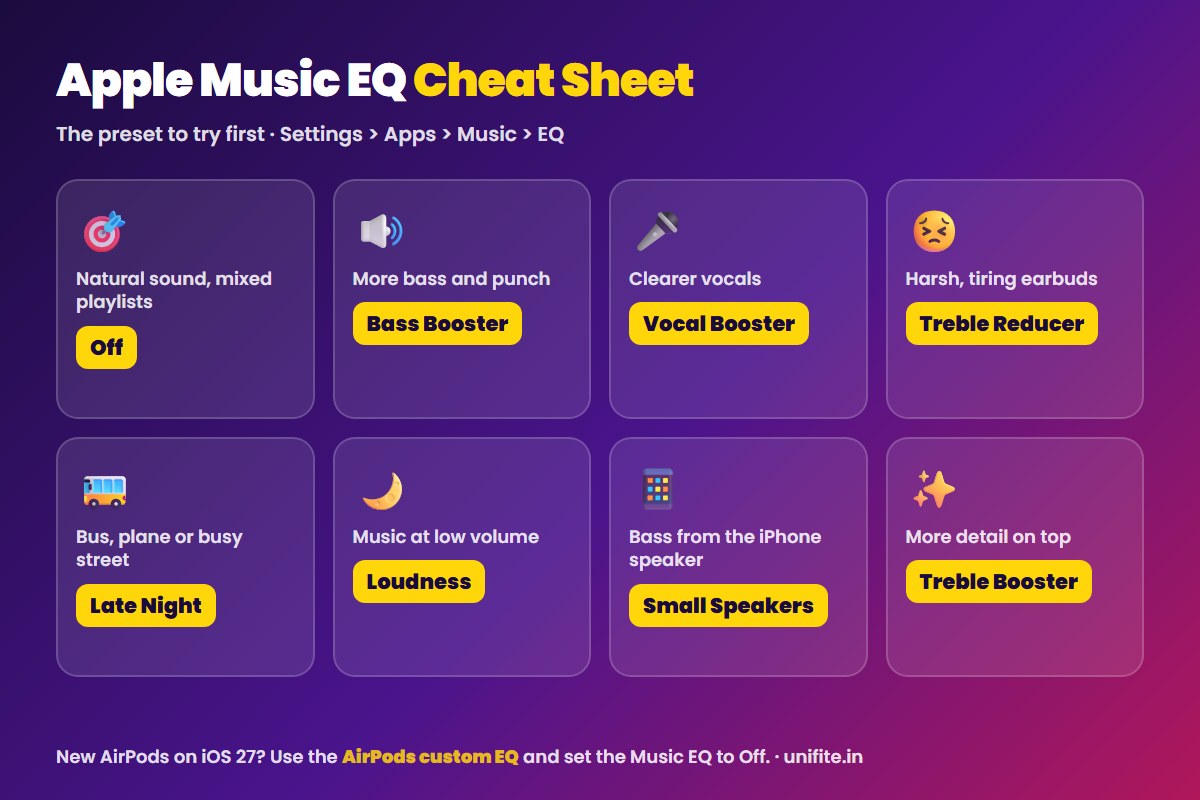
Genre presets are fine if you mostly play one style. If your playlists mix rap, pop and acoustic songs, a genre preset will sound wrong on half of them, so Off or one fix preset works better.
Best EQ for AirPods
AirPods Pro 2, AirPods Pro 3, AirPods 4 and AirPods Max 2: on iOS 27 with the latest AirPods firmware, use the AirPods custom EQ and set the Music EQ to Off. The custom EQ has Bass, Mid and High sliders, it works in Apple Music, Spotify, YouTube and every other app, and your setting carries over to your iPad and Mac. Small moves work best: one or two steps up on Bass for more punch, one step down on High if the sound feels sharp. Tap Reset to go back to Apple’s tuning.
If you do not see Equalizer in your AirPods settings, check that your iPhone is on iOS 27 and that your AirPods are up to date. Both are needed.
Older AirPods and the original AirPods Max do not get the custom EQ. Use the Music EQ: start with Off, then try Bass Booster if you want more low end, or Late Night if you mostly listen on the go.
Do not stack equalizers. The AirPods EQ, the Music EQ, Headphone Accommodations in Accessibility settings and the EQ inside other apps all add up. Two bass boosts on top of each other make music muddy and can distort. Use one EQ at a time.
Best EQ for Beats, Wired and Other Headphones
Beats: start with Off. Many Beats models are already tuned with extra bass, so Bass Booster can go too far. If you want clearer vocals, try Bass Reducer or Vocal Booster.
Wired headphones: this is where good settings matter most. Turn on Lossless, start with EQ Off, and only add a preset if something bothers you.
Other Bluetooth headphones: many brands have their own app with a full equalizer, like the companion app for the Nothing Headphone (1). Use that app’s EQ and keep the Music EQ Off, so you are not stacking two curves.
The Other Settings That Change Your Sound
The EQ is only one part. These three settings live in the same Music settings and often matter more:
Dolby Atmos
Go to Settings > Apps > Music > Audio > Dolby Atmos. Apple gives three choices: Automatic, Always On and Off. Automatic plays Atmos songs with Apple and Beats headphones and with the built-in speakers of iPhone XS and later (not iPhone SE). Apple suggests Always On for wired headphones. If Atmos mixes sound too wide or too quiet to you, choose Off and compare.
Sound Check
Sound Check plays all songs at about the same volume. Apple recommends turning it on if Dolby Atmos tracks sound quieter than stereo tracks. You find it in Settings > Apps > Music. Turn it off if you want the full loud and soft range of an album.
Lossless
Lossless is under Settings > Apps > Music > Audio Quality. Bluetooth cannot carry full lossless audio, so with AirPods and other wireless headphones the switch makes little or no difference. It is worth turning on with wired headphones. Lossless files are much bigger, so watch your data and storage.
Apple Music EQ Not Working? Try These Fixes
- You are in another app. The Music EQ only works in the Music app. Spotify, YouTube and Podcasts ignore it. Use the AirPods custom EQ or the other app’s own EQ.
- Another EQ is on. Turn off Headphone Accommodations and any EQ in your headphones’ app, then test again.
- The change is very small. Some presets are subtle, especially with Dolby Atmos tracks. Test with a song you know well and switch between Off and the preset a few times.
- Settings closes when you open EQ. Some users reported this bug after an early iOS 26 update. Install the latest iOS update and restart your iPhone.
- No Equalizer option for AirPods. You need iOS 27, a supported model and up-to-date AirPods firmware.
FAQ
What is the best EQ setting for Apple Music?
For most people, EQ Off is the best starting point, because it plays songs as they were mixed. Pick a preset only to fix one thing, for example Bass Booster for more bass or Treble Reducer for harsh sound.
Is Flat the same as Off in Apple Music EQ?
Off skips the equalizer completely, and Flat is a neutral preset. In practice, most listeners hear no difference. Use Off to be sure nothing is changed.
Does the Apple Music EQ work with Spotify?
No. The Music EQ only affects the Music app. On iOS 27, the AirPods custom EQ works in Spotify and every other app if you have a supported AirPods model.
What is the best Apple Music EQ for bass?
Bass Booster gives the biggest lift. If vocals start to sound muffled, use the AirPods custom EQ and raise Bass by only one or two steps instead. On the iPhone speaker, use Small Speakers.
Can I make a custom EQ for Apple Music on iPhone?
Not inside the Music app, which only has presets. With AirPods Pro 2, AirPods Pro 3, AirPods 4 or AirPods Max 2 on iOS 27, you can set your own Bass, Mid and High levels in the AirPods settings.
Should Sound Check be on or off?
Turn it on if your volume jumps between songs or Dolby Atmos tracks sound too quiet. Leave it off if you listen to full albums and want their natural loud and soft parts.
The Bottom Line
The best EQ for Apple Music is the one that fixes your problem and nothing more. Start with Off, add one preset if something sounds wrong, and on iOS 27 with newer AirPods, switch to the AirPods custom EQ so your sound stays the same in every app. Use the EQ Picker above to get your exact settings in a few seconds.
How we checked this: menu paths and features were checked against Apple Support documents and coverage of the iOS 27 release in November 2026. Sources: Apple: Spatial Audio with Dolby Atmos in Apple Music, Apple: If music in Apple Music sounds quiet, MacRumors: Set a custom EQ for your AirPods in iOS 27.