
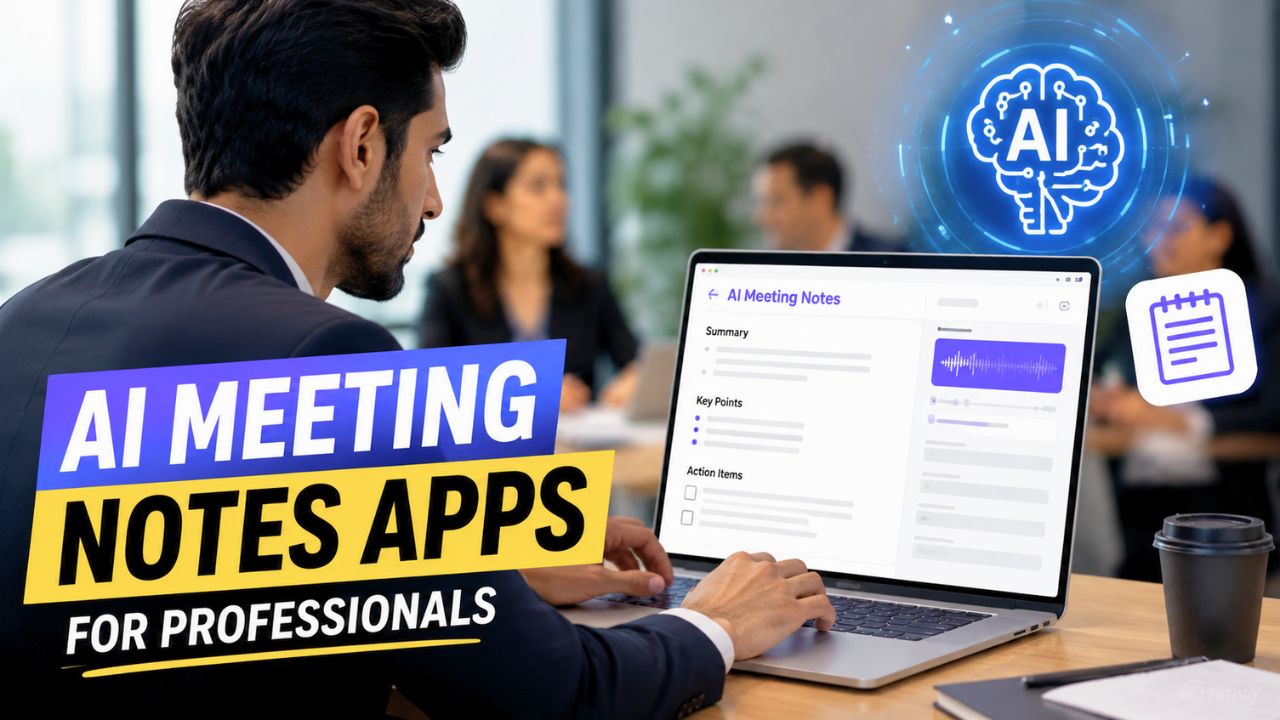
Meetings are supposed to help teams make decisions, but in reality, they often create another problem. Someone has to take notes, remember action items, and later send a summary to everyone involved. If you’re attending multiple meetings every week, this process quickly becomes exhausting.
That’s one of the biggest reasons why AI Meeting Notes Apps For Professionals have become so popular over the last couple of years. Instead of worrying about writing everything down, these tools automatically record conversations, generate summaries, identify important decisions, and even highlight action items before the meeting is over.
I’ve tested several AI productivity tools over the past year, and one thing became obvious. The best meeting assistant isn’t always the one with the longest feature list. It’s the one that quietly works in the background and saves you hours every week without disrupting your workflow.
If you’re looking for an AI meeting assistant in 2026, here are some of the best options worth considering.
Why AI Meeting Notes Apps Are Becoming Essential
The way professionals work has changed dramatically. Remote work, hybrid offices, online interviews, client presentations, sales calls, and virtual brainstorming sessions have become part of everyday business.
The problem is that people often spend more time documenting meetings than actually participating in them.
An AI meeting notes app solves this problem by listening to the conversation, creating a transcript, generating a concise summary, and identifying follow-up tasks automatically. Instead of reviewing an hour-long recording later, you can simply read a well-organized summary within minutes.
For professionals who attend frequent meetings, this can save several hours every month.
What Makes a Good AI Meeting Notes App?
Not every AI note-taking app offers the same experience. Some focus mainly on transcription, while others provide advanced collaboration features, CRM integrations, or detailed meeting analytics.
Before choosing a tool, it’s worth looking for features such as:
- Accurate speech-to-text transcription
- AI-generated meeting summaries
- Action item detection
- Calendar integration
- Zoom, Google Meet, and Microsoft Teams support
- Searchable meeting history
- Secure cloud storage
- Team collaboration features
The more naturally these features fit into your workflow, the more useful the tool becomes.
Otter.ai – One of the Most Popular AI Meeting Assistants
Otter.ai has become one of the most recognizable names in AI meeting transcription, and for good reason. It automatically joins supported online meetings, records conversations, generates live transcripts, and creates summaries that are surprisingly easy to review.
Instead of manually searching through long recordings, users can jump directly to important moments using keywords or highlighted sections.
Key Features
- Live transcription
- AI meeting summaries
- Speaker identification
- Zoom integration
- Google Meet support
- Searchable meeting history
Otter.ai works particularly well for consultants, sales teams, journalists, educators, and professionals who attend multiple meetings every day.
Fireflies.ai – Built for Teams That Collaborate
Fireflies.ai is designed for professionals who want more than simple meeting notes. It automatically records meetings, extracts action items, and allows team members to leave comments on specific parts of a conversation.
One feature that stands out is its ability to search across hundreds of previous meetings using simple keywords. Instead of asking a colleague where a decision was made, you can simply search your meeting archive.
Key Features
- Automatic meeting recording
- AI summaries
- Action item tracking
- CRM integrations
- Collaboration tools
- Smart search
For growing teams, Fireflies.ai can significantly reduce the time spent reviewing previous discussions.
Fathom AI – A Great Free Option
If you’re looking for a powerful free AI meeting assistant, Fathom deserves attention.
The software records meetings, generates summaries, and allows users to create short highlight clips that can be shared with teammates. This makes it useful for managers who only want to share specific discussions instead of sending entire recordings.
Key Features
- Free meeting recording
- AI summaries
- Highlight sharing
- Zoom support
- Easy meeting organization
Professionals who mostly work on Zoom often find Fathom surprisingly capable without requiring an expensive subscription.
Microsoft Copilot for Teams
Businesses already using Microsoft 365 may not need another meeting assistant because Microsoft has started integrating AI directly into Teams through Copilot.
Instead of simply recording meetings, Copilot can summarize discussions, answer questions about previous meetings, and generate follow-up content based on the conversation.
Key Features
- Microsoft Teams integration
- AI meeting recap
- Task suggestions
- Calendar connectivity
- Enterprise security
For organizations already invested in Microsoft’s ecosystem, this integration feels seamless.
Google Gemini in Google Meet
Google is also expanding AI capabilities inside Google Meet through Gemini.
Instead of requiring a separate application, Gemini can generate meeting summaries, capture important discussion points, and help users catch up if they join meetings late.
Because many businesses already rely on Google Workspace, this approach simplifies the overall workflow.
Key Features
- Google Meet integration
- AI-generated summaries
- Catch-up assistance
- Workspace integration
- Collaborative notes
Quick Comparison
| AI Tool | Best For | AI Summary | Meeting Recording | Team Collaboration |
|---|---|---|---|---|
| Otter.ai | Daily professionals | ✅ | ✅ | ✅ |
| Fireflies.ai | Teams & businesses | ✅ | ✅ | ✅ |
| Fathom AI | Free users | ✅ | ✅ | Limited |
| Microsoft Copilot | Microsoft 365 users | ✅ | Built-in | ✅ |
| Google Gemini | Google Workspace users | ✅ | Built-in | ✅ |
Which AI Meeting Notes App Should You Choose?
The answer depends entirely on how you work.
If you attend client calls throughout the day, Otter.ai provides an excellent balance between simplicity and accuracy.
If collaboration is your priority, Fireflies.ai offers more advanced teamwork features.
Professionals already using Microsoft Teams will likely benefit most from Copilot because it integrates directly into existing workflows without adding another application.
Google Workspace users may find Gemini more convenient since it works naturally inside Google Meet.
For freelancers or individuals who simply want a capable free option, Fathom remains one of the strongest choices available.
Are AI Meeting Notes Apps Safe?
Privacy is one of the biggest concerns when using AI meeting assistants, especially in business environments.
Most leading providers encrypt recordings, allow users to control sharing permissions, and comply with enterprise security standards. Even so, it’s always a good idea to inform meeting participants when AI recording is enabled and review your organization’s data policies before using these tools.
Choosing a reputable provider is just as important as choosing the right features.
Final Thoughts
The best AI Meeting Notes Apps For Professionals don’t just save time—they help professionals stay more focused during conversations instead of worrying about taking notes.
Whether you’re a freelancer, consultant, startup founder, sales executive, or corporate employee, an AI meeting assistant can simplify documentation, improve collaboration, and make follow-ups much easier.
Instead of spending an hour reviewing recordings after every meeting, you can get organized summaries, searchable transcripts, and clear action items within minutes. As AI continues to evolve, these tools are quickly becoming an essential part of the modern workplace rather than just another productivity app.
Frequently Asked Questions
Which is the best AI meeting notes app for professionals?
Otter.ai, Fireflies.ai, Microsoft Copilot, Google Gemini, and Fathom are among the best options, depending on your workflow and preferred meeting platform.
Can AI meeting apps automatically summarize meetings?
Yes. Most modern AI meeting assistants generate summaries, identify key discussion points, and extract action items automatically after the meeting ends.
Do AI meeting note apps support Zoom and Google Meet?
Many leading tools support Zoom, Google Meet, and Microsoft Teams either through direct integration or built-in AI features.
Are AI meeting notes secure?
Reputable providers use encryption, account authentication, and permission controls to protect meeting recordings and transcripts. Businesses should also review organizational privacy policies before enabling AI recording.
Are free AI meeting note apps worth using?
Yes. Tools like Fathom offer generous free plans, making them a good choice for freelancers, students, and professionals who attend meetings regularly without needing enterprise-level features.

![How to reduce battery drain after [AndroidiOS version] update](https://unifite.in/wp-content/uploads/2026/10/How-to-reduce-battery-drain-after-AndroidiOS-version-update-218x150.jpg "How to Reduce Battery Drain After an Android or iOS Update (2026)")



![How to reduce battery drain after [AndroidiOS version] update](https://unifite.in/wp-content/uploads/2026/10/How-to-reduce-battery-drain-after-AndroidiOS-version-update-100x70.jpg "How to Reduce Battery Drain After an Android or iOS Update (2026)")
![Best educational apps for adults learning [skill]](https://unifite.in/wp-content/uploads/2026/10/Best-educational-apps-for-adults-learning-skill-100x70.jpg "Best Educational Apps for Adults Learning New Skills in 2026")