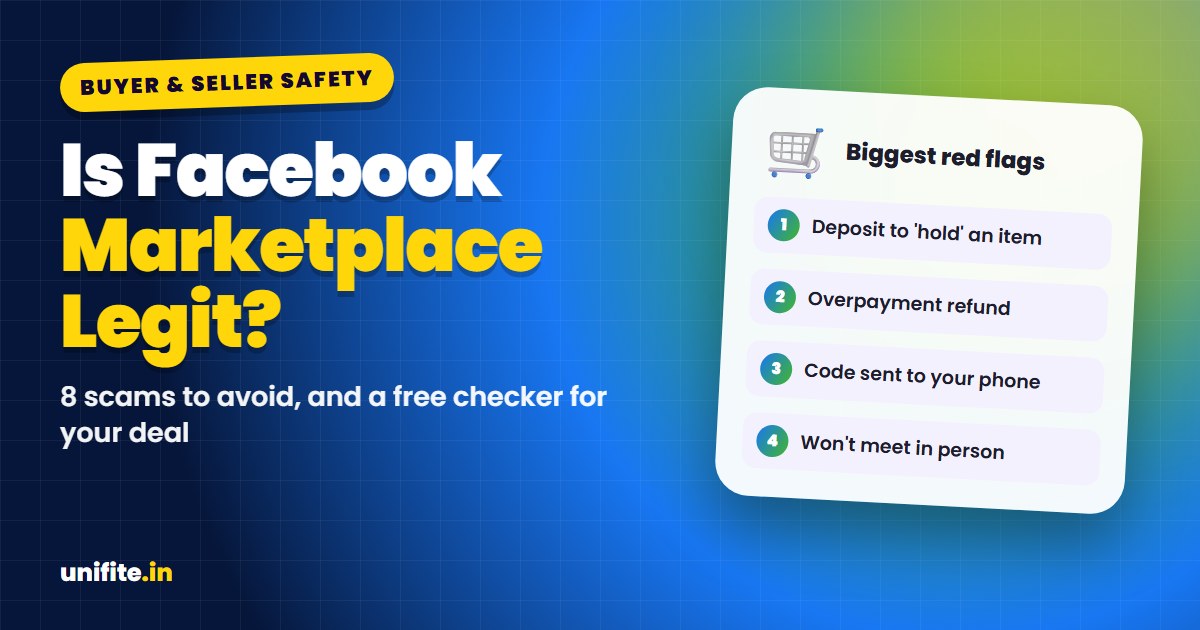
Yes, Facebook Marketplace is legit. It’s a real buying and selling platform run by Meta, and millions of people use it safely. But it is also one of the places where scams start most often, because anyone can create a listing or message a seller. Most Marketplace scams follow a few patterns, and once you know them, they are easy to spot.
Buying or selling right now? Use the free red-flag checker below. Pick what is happening in your deal, and it tells you how risky it looks and what to do.
Is It Safe to Buy on Facebook Marketplace?
It is safe when you follow three rules: meet in person in a public place, see the item working before you pay, and never pay a stranger in a way you can’t reverse. Most losses happen when people skip one of these, usually because a deal looks too good or the other person pushes them to hurry.
The FTC reports that social media is a top source of scam losses in the US, and Facebook is the platform where the most losses are reported. That doesn’t mean Marketplace is a scam. It means you need to be careful.
The 8 Most Common Facebook Marketplace Scams
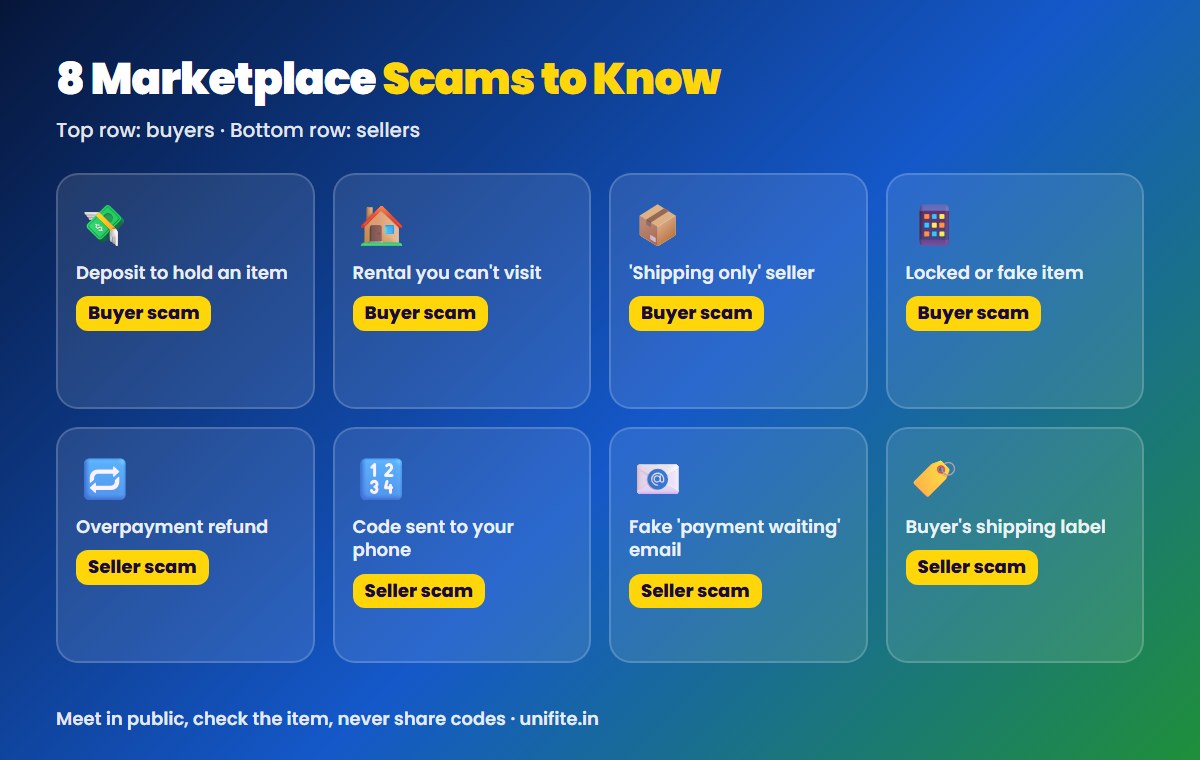
Scams that target buyers
- Deposit for an item “on hold”. The seller asks for a deposit through Zelle, Cash App or a gift card to hold a car, puppy, phone or concert ticket. After you pay, they disappear.
- Fake rentals. The “landlord” can’t show the place and asks for an application fee or deposit first. Often the photos are copied from a real listing.
- Shipping-only deals. The seller is “out of town” and can only ship. You pay, and nothing arrives.
- Fake or broken items. Phones that are locked or stolen, fake designer goods, or electronics that don’t work.
Scams that target sellers
- Overpayment. A buyer “accidentally” sends too much and asks you to refund the difference. The original payment is fake or gets reversed, and you lose the refund.
- Google Voice code. A buyer says they need to “verify you are real” and asks you to read back a code sent to your phone. That code lets them set up a Google Voice number in your name for other scams.
- Fake payment emails. You get an email that looks like it’s from Zelle, PayPal or Facebook saying the money is waiting, but you need to “upgrade” your account or pay a fee first.
- Fake shipping labels. The buyer sends you a prepaid label or a link to a “shipping company” that asks for your card or bank details.
Red Flags in a Marketplace Message
- The price is far below what similar items sell for.
- The other person won’t meet, video call, or show the item working.
- They push you off Facebook Messenger to text or email right away.
- They ask for a code that was sent to your phone.
- They want payment by gift card, crypto, wire transfer or Zelle to a stranger.
- They send a payment “receipt” screenshot instead of real money in your account.
- The profile is brand new, has no friends or photos, or lives far away from the item.
- They tell a sad story or rush you (“I have other buyers, pay now”).
How to Buy and Sell Safely on Marketplace
For buyers
- Meet in a busy public place during the day. Many police stations have a safe exchange zone.
- Check the item fully before paying. Turn on phones, check serial numbers and test electronics.
- Pay with cash at the meetup or a method with buyer protection. Payments with Zelle, Cash App or gift cards are like cash and very hard to get back.
- Never pay a deposit to someone you haven’t met for an item you haven’t seen.
For sellers
- Confirm the money is in your account by opening your banking or payment app yourself. Don’t trust screenshots or emails.
- Never refund an “overpayment”. Tell the buyer to cancel and resend the correct amount.
- Never share verification codes with anyone, for any reason.
- Don’t use shipping labels or links sent by the buyer.
Got a message or email you’re not sure about? Paste it into our Is This a Scam? checker. Delivery-related messages often use the same tricks as FedEx scam texts.
What to Do If You Got Scammed on Marketplace
- Contact your bank or payment app right away. Ask if the payment can be stopped or disputed. Card payments have the best chance.
- Report the listing and the profile to Facebook from the listing or the chat.
- Report it to the FTC at ReportFraud.ftc.gov. For large losses, also file a report with the FBI’s IC3.
- If you shared a code, secure your accounts and check Google Voice for a number you didn’t create.
Our guide on what to do if you got scammed has a step-by-step plan for each payment type.
Related guides: Black Friday Fake Store Checker and Smartphone privacy features to turn on.
FAQ
Is Facebook Marketplace legit or a scam?
Facebook Marketplace is a legitimate platform run by Meta. Scammers use it too, so check every deal for red flags and meet in person when you can.
What is the safest way to pay on Facebook Marketplace?
Cash in person after checking the item is the simplest. Avoid gift cards, crypto, wire transfers and Zelle with strangers, because those payments are hard or impossible to reverse.
Why does a buyer want a code sent to my phone?
It’s almost always the Google Voice scam. The code lets them create a phone number linked to yours. Never share it.
Can I get my money back from a Marketplace scam?
Sometimes. Card payments can often be disputed. Zelle, Cash App and gift card payments are much harder. Contact your bank or the payment app right away.
Is it safe to give my address on Facebook Marketplace?
It’s safer to meet in a public place. If someone must pick up a large item at your home, have another person with you.
The Bottom Line
Facebook Marketplace is legit, but scammers know people trust it. Meet in public, see the item before paying, never share codes, and don’t pay strangers with methods you can’t reverse. If something feels rushed or too good to be true, walk away.
How we checked this: scam types and advice were checked against FTC consumer guidance in November 2026. Sources: FTC: Buying from an online marketplace, FTC: Online shopping.