
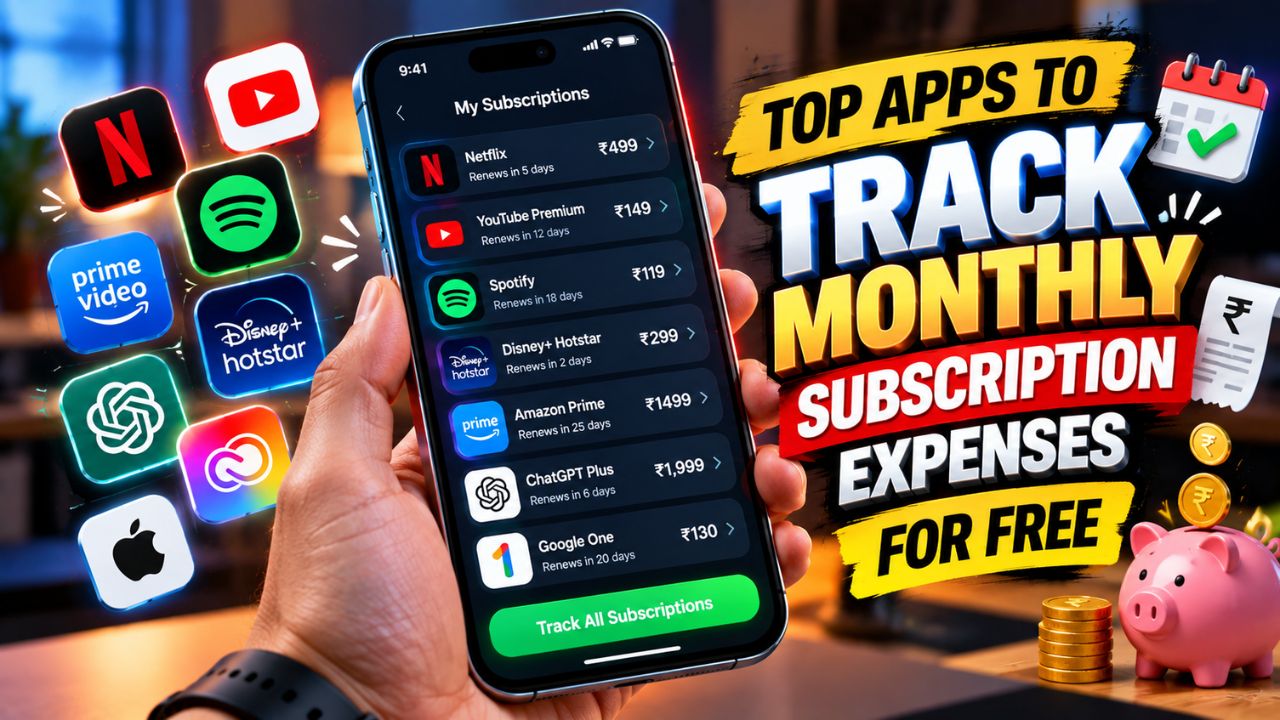
Subscriptions can quietly take a big chunk of your monthly budget. Netflix, Spotify, YouTube Premium, cloud storage, OTT platforms, software, gym memberships and other recurring services may not look expensive individually, but together they can become a surprisingly large monthly expense.
The problem is that many people don’t even remember how many subscriptions they are paying for.
That’s where a subscription tracker app can help. Instead of checking your bank statement every month, you can keep your recurring payments in one place, see your estimated monthly and yearly spending, and set reminders before the next payment.
The good news is that you don’t necessarily need to pay for another budgeting service just to track subscriptions. There are several apps with useful free plans in 2026, although their limits and features vary.
What Is a Subscription Tracker App?
A subscription tracker is an app or service that helps you record recurring payments such as streaming services, software, memberships and other regular bills.
Depending on the app, you may be able to manually enter subscriptions, receive renewal reminders, calculate monthly or yearly spending, or connect financial accounts for automatic detection.
This last point is important. Not every subscription tracker needs access to your bank account. Some apps are completely manual, while others connect to financial accounts to identify recurring transactions automatically.
If privacy is your priority, a manual tracker can be a better choice because you don’t have to provide a third-party service with access to your financial accounts.
Best Free Subscription Tracker Apps in 2026
Here are some of the better options to consider:
| App | Platform | Free Option | Best For |
|---|---|---|---|
| Bobby | iPhone | Yes, with limits | Simple manual tracking |
| Subby | Android | Yes | Android users |
| Recur | Android | Up to 10 subscriptions | Reminders and spending insights |
| CancelKaro | Android | Completely free | Indian OTT subscriptions and trial reminders |
| Rocket Money | iPhone, Android, Web | Free tier | Automatic subscription detection |
| TrackMySubs | Web | Free tier | Larger subscription lists |
| Spreadsheet | Any device | Completely free | Maximum control and privacy |
The best option depends on whether you want automatic detection, manual tracking, privacy, reminders or completely free unlimited usage.
1. Bobby — Best for Simple iPhone Tracking
Bobby is one of the simplest options if you’re using an iPhone and don’t want to connect your bank account.
The app lets you manually add subscriptions and see your recurring expenses in one place. You can enter details such as the subscription name, price and billing information, while the app can also remind you when a bill is due.
The official App Store listing describes Bobby as a subscription-management app that provides an overview of upcoming bills and helps users understand how much they spend on subscriptions. It is listed as free with in-app purchases.
Why choose Bobby?
- Simple interface
- Manual subscription tracking
- Renewal notifications
- No need to connect your bank account
- Useful monthly spending overview
- Good option for iPhone users
The main drawback is that the free version isn’t designed to provide unlimited tracking, so check the current in-app limits before adding a large number of subscriptions.
2. Subby — Best Free Android Option
If you’re an Android user looking for a simple subscription tracker, Subby is another option worth considering.
It is designed around manual subscription tracking, which means you enter your recurring payments yourself instead of connecting your bank account.
This approach can be useful if you don’t want a third-party app accessing your financial information.
Subby is generally aimed at keeping track of recurring payments and renewal dates without turning the app into a complete banking or budgeting platform.
For Android users, it can be a straightforward solution when your main goal is simply knowing what you pay, how often you pay it and when the next payment is due.
3. Recur — Best for Reminders and Spending Insights
Recur is another Android option with a useful free tier.
Its Google Play listing says the free version supports up to 10 subscriptions, includes renewal reminders, an Insights tab and support for more than 110 currencies. The free version is ad-supported, while premium removes the subscription limit and ads.
This makes Recur interesting if you have a relatively small number of recurring payments and want more than just a basic list.
Recur is useful for:
- Monthly subscription tracking
- Renewal reminders
- Spending insights
- Multiple currencies
- Tracking subscriptions without linking a bank account
If you have more than 10 subscriptions, however, you’ll need to check the paid options.
4. CancelKaro — Interesting Choice for Indian Users
If most of your subscriptions are Indian services, CancelKaro is worth looking at.
Its Google Play listing says the app is 100% free, with no premium tier or in-app purchases. It is designed around tracking subscriptions and sending alerts before free trials automatically turn into paid plans.
The listing specifically mentions services such as Netflix, Hotstar, Amazon Prime, Swiggy One, Zomato Gold, YouTube Premium, Spotify, JioCinema and SonyLIV, while also allowing users to add custom services.
For Indian users who mainly want to avoid forgetting OTT subscriptions or free trials, this can be more relevant than a large international budgeting app.
5. Rocket Money — Best for Automatic Detection
If you don’t want to manually enter every subscription, Rocket Money takes a different approach.
It can connect to financial accounts and analyse transactions to identify recurring payments automatically. This can be useful when you’ve forgotten about an old subscription or don’t remember exactly which services are charging your account.
Rocket Money has a free tier, but some of its more advanced features are part of the paid Premium service. The company also offers additional financial tools such as budgeting and bill negotiation.
Rocket Money – Subscription Management
The important trade-off
Automatic detection is convenient, but you need to consider privacy before connecting a financial account.
A bank-linked tracker can see transaction information that a simple manual tracker never needs to access.
So if you only have five or ten subscriptions, manually adding them may actually be the better option.
6. TrackMySubs — Good for Larger Subscription Lists
TrackMySubs is a web-based option that can be useful if you have many recurring payments to manage.
It is particularly interesting for freelancers and small businesses that may have subscriptions for software, hosting, productivity tools and other services.
Current 2026 comparisons list a free tier, with paid plans adding additional capacity and features.
The advantage of a web-based tracker is that you aren’t restricted to one phone ecosystem.
You can also use it for subscriptions that aren’t traditional entertainment services—for example, domain registrations, software licences, cloud services and business tools.
7. A Spreadsheet — The Most Private Free Option
You don’t actually need a dedicated app.
A simple Google Sheet, Excel spreadsheet or another spreadsheet application can work extremely well for subscription tracking.
Create columns for:
| Subscription | Monthly Cost | Billing Cycle | Next Payment | Category | Keep/Cancel |
|---|---|---|---|---|---|
| Netflix | ₹649 | Monthly | Oct 15 | Entertainment | Keep |
| Spotify | ₹119 | Monthly | Oct 20 | Music | Keep |
| Cloud Storage | ₹130 | Monthly | Oct 25 | Storage | Review |
Then calculate your total monthly and yearly subscription spending.
The biggest advantage is control. You decide what information goes into the spreadsheet, and you don’t need to connect your bank account to another service.
The downside is that you’ll need to maintain it yourself, and it won’t automatically detect new subscriptions unless you build your own system.
Which Free Subscription Tracker Is Best?
There isn’t one app that’s perfect for everyone.
If you’re an iPhone user and want a simple manual tracker, Bobby is a strong option.
If you’re on Android, Subby or Recur can be useful for basic tracking and reminders.
If you’re in India and mainly want to track OTT subscriptions and free trials, CancelKaro is an interesting option because its current Google Play listing specifically mentions Indian services.
If you want automatic subscription discovery, Rocket Money is more convenient, but you’ll need to consider the implications of connecting your financial accounts.
And if you want maximum privacy with zero subscription-tracking fees, a spreadsheet remains one of the simplest solutions.
Free Doesn’t Always Mean Unlimited
This is one of the most important things to understand before downloading a subscription tracker.
An app can be listed as free while still limiting the number of subscriptions you can track, displaying advertisements or locking advanced features behind a paid upgrade.
For example, Recur currently offers up to 10 subscriptions on its free Android tier, while Bobby is free to download but includes in-app purchases.
Rocket Money also has a free tier alongside its paid Premium service.
So before choosing an app, check four things:
- How many subscriptions can I track for free?
- Are renewal reminders included?
- Does the app require bank access?
- Which features require payment?
Should You Give a Subscription Tracker Access to Your Bank?
Not necessarily.
This depends on what you’re trying to accomplish.
If you only want to record Netflix, Spotify, YouTube Premium, cloud storage and a few other services, manual tracking is probably enough.
If you have dozens of recurring charges and frequently forget what you’re paying for, automatic transaction detection can be more convenient.
The trade-off is that a bank-connected service has access to financial transaction information that a manual tracker doesn’t require.
For that reason, don’t connect your bank account simply because an app says it can “find all your subscriptions automatically.” First understand what information the service requires and how it uses that information.
How to Calculate Your Real Monthly Subscription Cost
Once you’ve added all your subscriptions, don’t only look at the monthly amount.
Calculate the yearly cost too.
For example, imagine you have:
- Netflix: ₹649/month
- Spotify: ₹119/month
- YouTube Premium: ₹149/month
- Cloud storage: ₹130/month
- OTT subscription: ₹299/month
Your total is:
₹1,346 per month
Over 12 months:
₹1,346 × 12 = ₹16,152 per year
That’s why subscription tracking can be useful. A ₹119 or ₹149 monthly payment may feel insignificant, but several small subscriptions can turn into thousands of rupees every year.
How to Save Money After Tracking Your Subscriptions
The goal shouldn’t just be to create a list.
Once you’ve calculated your spending, go through every subscription and ask:
“Did I actually use this during the last month?”
If you haven’t used a service for several months, consider cancelling it.
You can also rotate subscriptions instead of keeping everything active at the same time. For example, you could subscribe to one streaming service for a month, watch the content you want, cancel it, and then subscribe to another service later.
This can significantly reduce recurring expenses without permanently giving up the services you enjoy.
Final Takeaway
A good subscription tracker doesn’t necessarily need to be expensive—or even paid.
For iPhone users, Bobby is a simple option for manual tracking. Android users can consider apps such as Subby and Recur, while Indian users who mainly want OTT and trial reminders may find CancelKaro useful.
If you want automatic detection, Rocket Money offers a free tier, but bank-linked tracking comes with a different privacy trade-off.
And if you don’t want to install another app at all, a simple spreadsheet can do the job completely free.
The most important thing isn’t which app you choose. It’s knowing exactly how much you’re spending every month and which subscriptions are actually worth keeping.
Sources checked: Apple App Store and Google Play listings for individual apps, plus current 2026 subscription-tracker comparisons. Free-tier limits and features can change, so check the app's current listing before signing up.

![How to reduce battery drain after [AndroidiOS version] update](https://unifite.in/wp-content/uploads/2026/10/How-to-reduce-battery-drain-after-AndroidiOS-version-update-218x150.jpg "How to Reduce Battery Drain After an Android or iOS Update (2026)")



![How to reduce battery drain after [AndroidiOS version] update](https://unifite.in/wp-content/uploads/2026/10/How-to-reduce-battery-drain-after-AndroidiOS-version-update-100x70.jpg "How to Reduce Battery Drain After an Android or iOS Update (2026)")
![Best educational apps for adults learning [skill]](https://unifite.in/wp-content/uploads/2026/10/Best-educational-apps-for-adults-learning-skill-100x70.jpg "Best Educational Apps for Adults Learning New Skills in 2026")