
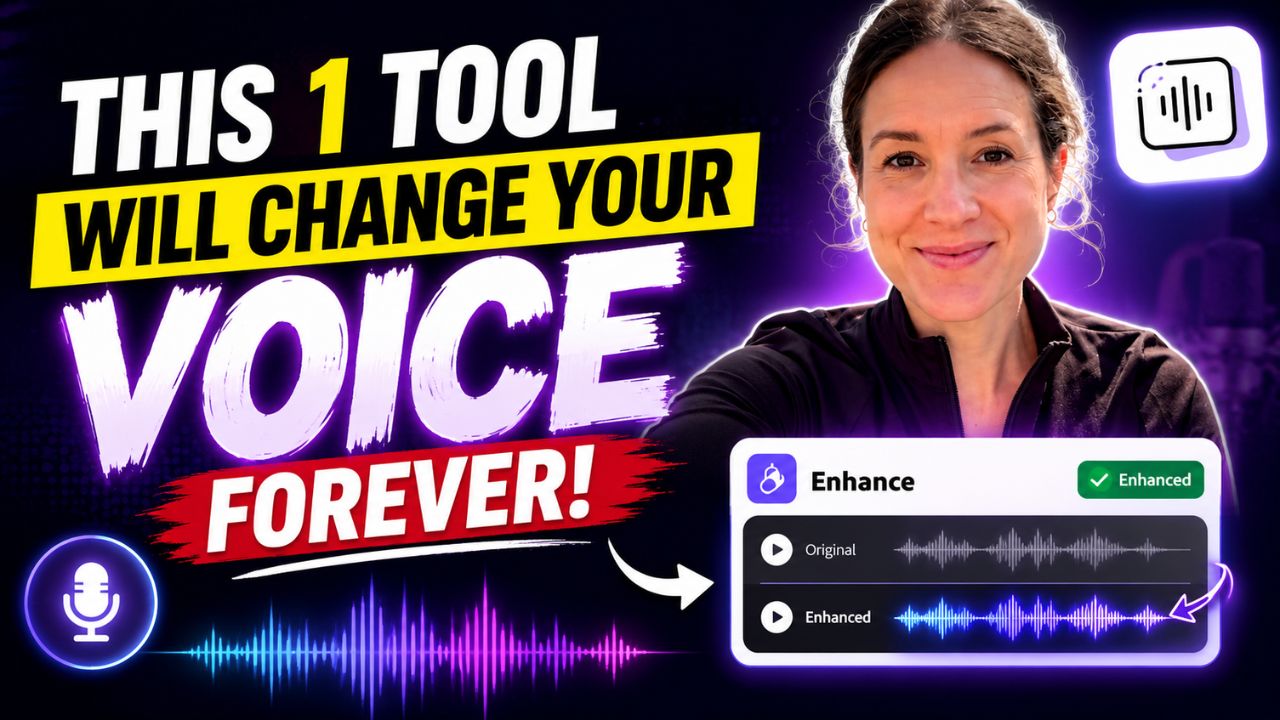
If you create YouTube videos, Shorts, podcasts or Instagram Reels, there is a good chance you have faced the same problem at least once: the video looks great, the script is good, but the voice recording just doesn’t sound right.
Maybe there is traffic noise in the background. Maybe your room has too much echo. Maybe your microphone isn’t expensive enough to give you that clean, professional sound you hear from bigger creators. And honestly, buying a new microphone isn’t always the answer.
There is one AI tool that can make a surprisingly big difference to ordinary voice recordings, and it takes only a few clicks to use. It is Adobe Podcast Enhance Speech from Adobe Podcast.
What makes it interesting is that you don’t need to be an audio editor to use it. You upload your recording, let the AI process it, listen to the result and download the enhanced version. Adobe describes the tool as a way to improve spoken audio by reducing background noise and echo while making dialogue clearer.
Why Your Voice Can Sound Bad Even With a Good Microphone
A lot of new creators think that buying a better microphone automatically solves every audio problem. It doesn’t.
Your recording environment matters just as much. A microphone can pick up the sound of fans, traffic, keyboard clicks, air conditioners and room reflections. Even if your actual voice is perfectly fine, all of those sounds can make the recording feel less professional.
This is especially noticeable when you’re recording videos at home. You may not hear the background noise while you’re speaking, but once you listen to the finished recording with headphones, suddenly every little sound becomes obvious.
That’s where an AI voice enhancer can be useful. Instead of manually adjusting EQ, noise reduction, compression and other settings, the software analyzes the recording and handles much of that cleanup automatically.
Adobe Podcast Enhance Speech Can Clean Up More Than You Expect
The biggest reason creators use Enhance Speech is its ability to make spoken audio cleaner without requiring complicated editing software.
The tool can help reduce distracting background sounds and room echo while making the voice easier to understand. Adobe specifically positions Enhance Speech for podcasts, interviews, videos and other spoken recordings.
That makes it particularly useful if you’re creating YouTube videos with a basic microphone, recording voiceovers at home, or making content while travelling.
And the important part is that you can hear the difference before deciding whether to use the processed recording.
How To Use This AI Voice Enhancer
The process is surprisingly simple. Open Adobe Podcast, go to Enhance Speech and upload your audio or supported video file. The tool processes the recording and gives you an enhanced version that you can preview before downloading. Adobe also supports video files for Enhance Speech, so creators don’t necessarily have to separate their audio from the video first.
For a beginner, this is probably the biggest advantage. You don’t need to understand compression, equalization or noise gates just to make your voice easier to listen to.
The New Controls Make It More Useful for Creators
The newer version of Enhance Speech gives users more control over how strongly the processing is applied. Adobe says Premium users can adjust speech, music and ambience to create a more natural result.
This matters because maximum enhancement isn’t always the best enhancement.
If you push processing too far, a natural recording can start sounding artificial. A better approach is to listen carefully and use enough enhancement to clean the recording while keeping your original voice sounding like you.
For YouTube videos, a moderate setting can often make more sense than simply turning everything up.
Why This Can Be Useful for YouTube Creators
Think about what happens when someone watches a video with poor audio. They might tolerate average video quality, but unclear or irritating audio can make them leave much faster.
Clear speech makes your content easier to follow, especially when you’re explaining something, reviewing a product or telling a story.
That’s why voice quality for YouTube videos deserves more attention than it usually gets. You don’t necessarily need a studio. You need understandable speech, controlled background noise and a recording that doesn’t distract from what you’re saying.
Adobe also recommends recording in a quiet environment and using the best microphone available to you before applying enhancement. In other words, AI cleanup should improve a recording, not become an excuse to ignore basic recording quality.
One Important Thing You Should Know
This tool is impressive, but it isn’t magic.
If the original recording is severely distorted, extremely noisy or badly clipped, AI processing may not completely fix it. Over-processing can also introduce unwanted changes, so always compare the original and enhanced versions before publishing.
The best workflow is simple: record as cleanly as possible, use Enhance Speech to remove distractions, listen to the result carefully and then decide whether it actually sounds better.
Is Adobe Podcast Enhance Speech Worth Trying?
For creators who don’t want to spend hours learning audio editing, it is definitely worth trying.
The biggest advantage isn’t that it suddenly turns every microphone into a professional studio microphone. The real advantage is the time it can save. Adobe itself notes that traditional post-production can take significant time, while AI enhancement can simplify much of the cleanup process.
And that can be a big deal for smaller creators.
Instead of spending an hour trying to remove background noise from a voiceover, you can put that time into writing the next script, editing your video or creating another Short.
Final Takeaway
Your voice doesn’t have to sound expensive to sound good.
A quiet recording environment and a decent microphone will always give you a better starting point, but an AI voice enhancer can make the cleanup process much easier. For YouTube creators, podcasters and anyone recording voiceovers, Adobe Podcast Enhance Speech is one of those tools that is worth keeping in your workflow.
The interesting part is that you can try it on your own recording and judge the result with your own ears. Sometimes the difference between an ordinary recording and a much more polished one isn’t a new microphone. It’s simply knowing how to clean up the audio you already have.

![How to reduce battery drain after [AndroidiOS version] update](https://unifite.in/wp-content/uploads/2026/10/How-to-reduce-battery-drain-after-AndroidiOS-version-update-218x150.jpg "How to Reduce Battery Drain After an Android or iOS Update (2026)")



![How to reduce battery drain after [AndroidiOS version] update](https://unifite.in/wp-content/uploads/2026/10/How-to-reduce-battery-drain-after-AndroidiOS-version-update-100x70.jpg "How to Reduce Battery Drain After an Android or iOS Update (2026)")
![Best educational apps for adults learning [skill]](https://unifite.in/wp-content/uploads/2026/10/Best-educational-apps-for-adults-learning-skill-100x70.jpg "Best Educational Apps for Adults Learning New Skills in 2026")