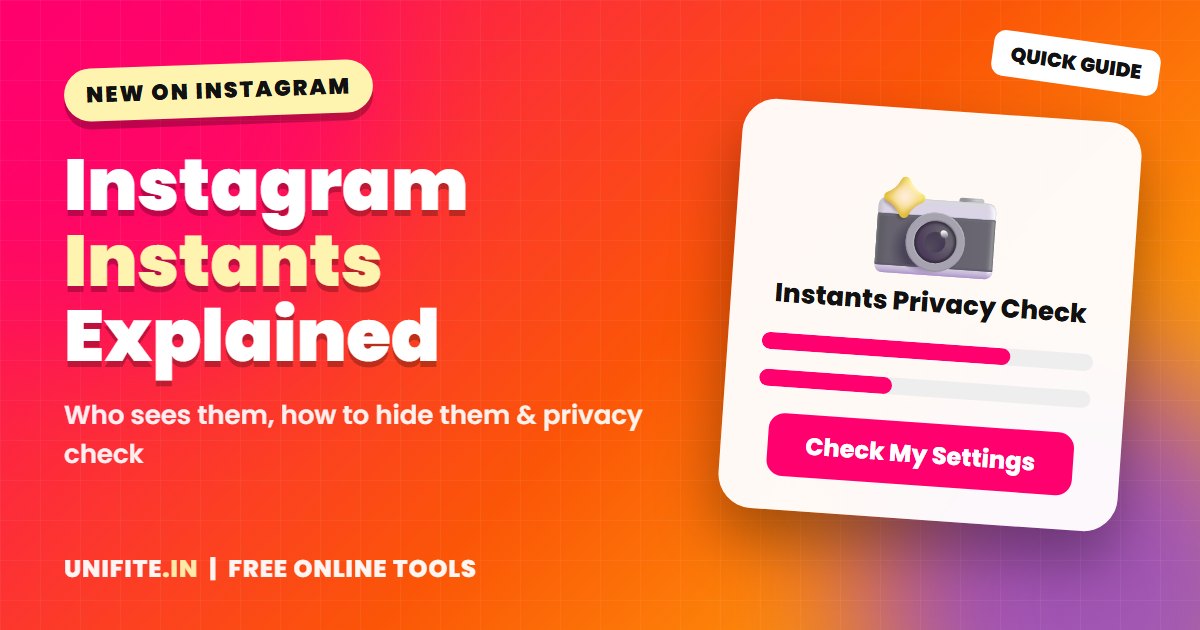
Instagram has a new way to share quick, unfiltered photos with friends: Instagram Instants. If you just saw it in your DMs and wondered what it is, who can see your Instants and how to hide them, this guide explains everything in plain English.
Before you start sharing, run the free Instants Privacy Checker below. Answer six quick questions and it shows how private your Instants are and what to change. Nothing you choose is saved or sent.
What Is Instagram Instants?
Instants is a feature for sharing spontaneous photos with people you are close to. You take a photo with the in-app camera, send it, and it disappears after your friends view it. It is designed for real moments, not polished posts, so there are no filters or editing tools.
Instants live inside your Instagram messages (DMs). Instagram is also testing a separate Instants app in some countries. Photos shared from either place show up in your friends’ Instagram inboxes.
How Instagram Instants Work
- Open your DMs and tap the Instants icon or tray.
- Take a photo with the in-app camera. You cannot upload from your camera roll.
- Choose who gets it, usually your Close Friends or your mutual followers.
- Send it. Your friends can view it and reply in chat.
- The Instant disappears after it is viewed. Many reports say unopened Instants expire after 24 hours.
You can also turn the Instants you sent into a recap and share it as a Story, if you want a longer-lasting version.
Who Can See My Instants?
This is the most important question. Depending on the option you pick, Instants go to your Close Friends list or to mutual followers (people you follow who also follow you back). Instants are not public, so strangers cannot browse them like a public post.
But “mutual followers” can be a big group. It may include coworkers, old classmates or an ex. That is why the privacy checker above suggests using Close Friends for anything personal.
Can People Screenshot Instagram Instants?
Several guides report that screenshots and screen recordings are blocked for Instants. However, nobody can stop someone from taking a photo of their screen with another phone. Treat every Instant like it could be saved, and never send anything you would not want shared.
How to Hide or Turn Off Instagram Instants
If you do not want Instants at all, you can hide them from your inbox. Open your DMs, press and hold the Instants area or open its settings, and choose the option to hide it. Menu names can change while the feature rolls out, so update the app if you do not see the option.
If you installed the separate Instants app, hiding Instants inside Instagram may not remove that app. Sign out of it or uninstall it too.
Instants vs Stories vs Close Friends
- Stories last 24 hours, can be edited, and can be public or shared with Close Friends.
- Instants are raw, unedited photos that disappear after viewing and stay in DMs.
- Close Friends is the list you control, and it works for both Stories and Instants.
If you want polished content that grows your account, Stories and Reels are still better. Make them stand out with our Instagram font generator, find the right size with the Instagram photo resizer, and write better text with the caption and bio generator.
Privacy Tips Before You Share an Instant
- Keep your Close Friends list short and up to date.
- Avoid showing your house number, car plate, school or kids’ faces.
- Share where you were after you leave, not while you are still there.
- Remember that deleting an Instant does not undo a view that already happened.
- Be careful with DMs from people you do not know. If a message asks for money or codes, check it with our Is This a Scam? checker.
Frequently Asked Questions
Is Instagram Instants available for everyone?
Instants is rolling out gradually. If you do not see it, update your app and check again in a few days. For official updates, visit the Instagram Help Center.
Do I need the separate Instants app?
No. Instants works inside the main Instagram app. The separate app is a shortcut that is being tested in some countries.
Can I edit or add filters to an Instant?
No. Instants use the in-app camera without editing, so they look real and quick. If you want creative effects, use Stories instead. Our Instagram AI filter prompt generator helps you create custom Story effects.
Will Instants change what I see in my feed?
Instagram may use your activity to personalize what you see. If your feed feels off, use our Instagram algorithm reset planner to fix it.
Can I delete an Instant after sending it?
You may be able to remove it, but if someone already opened it, deleting it does not undo that view.