
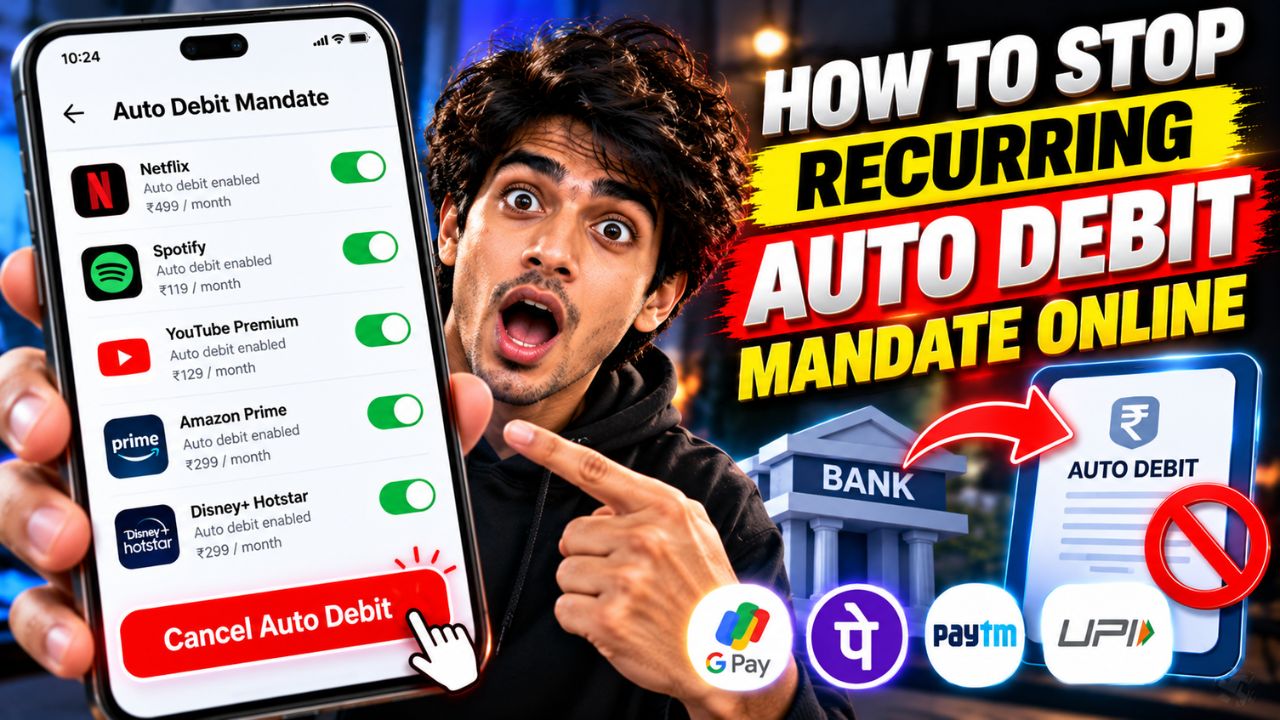
Have you noticed money being deducted from your bank account every month for a subscription, loan payment, insurance premium or another service? These automatic payments are usually linked to a recurring payment mandate. The good news is that you can often cancel the mandate online without visiting your bank branch.
In this guide, you’ll learn how to stop recurring auto debit mandates online in India, including UPI AutoPay, debit card and credit card payments, and bank account mandates.
What Is a Recurring Auto Debit Mandate?
An auto debit mandate is an authorization that allows a bank, payment app or service provider to collect payments automatically according to an agreed schedule.
Common examples include:
- OTT subscriptions and music streaming services
- Loan EMIs and other scheduled repayments
- Insurance premiums
- Gym memberships and app subscriptions
- Utility bills and recurring service payments
If you no longer need a service, cancel its recurring payment mandate through the appropriate channel. Simply uninstalling an app or deleting your payment app may not cancel the authorization.
Method 1: Cancel a UPI AutoPay Mandate Online
If you created the mandate through Google Pay, PhonePe, Paytm or another UPI app, start by checking that app.
Follow these general steps:
- Open the UPI app you used to authorize the payment.
- Go to your profile, settings or payment management section.
- Find AutoPay, Mandates or Automatic Payments.
- Open the active mandate you want to stop.
- Select Cancel, Revoke or a similar option.
- Follow the app’s authentication instructions.
- Check the mandate status to confirm that it has been cancelled.
The exact menu names vary between apps.
For example, in Google Pay, open your profile, select Autopay, choose the relevant mandate under Live, and select Cancel autopay. Follow the on-screen instructions to complete the cancellation.
For more details, read Google Pay’s official guide to managing recurring payments.
Important: Some loan-related mandates may not be cancellable directly through the UPI app. In such cases, contact the lender or service provider and follow its cancellation process.
Method 2: Stop Automatic Payments Through Your Bank’s Website or App
If the recurring payment is connected to a bank account mandate, check your bank’s mobile app or internet banking portal.
Here’s what to do:
- Log in to your bank’s official website or mobile app.
- Search for sections such as Mandates, Standing Instructions, e-Mandates, NACH or Recurring Payments.
- Find the active mandate using the merchant name or mandate reference number.
- Open the mandate details.
- Select the available cancellation or stop-payment option.
- Complete any required authentication.
- Save the confirmation or reference number.
Not every bank uses the same menu names, and the cancellation process depends on the type of mandate.
For recurring bank-account debits through NACH, check whether your bank or the company collecting the payment provides an online cancellation facility. If you cannot find the mandate, contact your bank through its official customer support channel.
Method 3: Cancel Debit Card or Credit Card Recurring Payments
If a subscription charges your debit or credit card automatically, you may need to cancel the recurring payment authorization as well as the subscription itself.
Follow these steps:
- Log in to your card issuer’s official mobile app or website.
- Look for Recurring Payments, Standing Instructions, e-Mandates or a similar option.
- Identify the merchant and recurring payment.
- Select the available option to withdraw or cancel the mandate.
- Complete any required verification.
- Check for a confirmation message or email.
If you cannot find the option, contact your card issuer and ask how to withdraw the specific recurring payment mandate.
You can also visit the merchant’s website or app and turn off automatic renewal. However, cancelling a subscription and withdrawing a payment mandate may be separate actions, so verify both where applicable.
Method 4: Cancel the Subscription With the Service Provider
Sometimes, the easiest starting point is the website or app where you originally signed up.
For example, if a streaming service, online learning platform or other subscription is charging you automatically:
- Log in to your account on the service’s official platform.
- Open Account, Billing, Membership or Subscriptions.
- Select the active subscription.
- Choose Cancel subscription or Turn off auto-renewal.
- Follow the instructions and save the confirmation.
After that, check your UPI app, bank account or card settings to see whether a separate mandate remains active.
If the payment is linked to a loan or another financial obligation, do not assume that cancelling the mandate cancels the underlying debt. Contact the lender to arrange an alternative payment method and avoid missing a due payment.
What Should You Do If the Auto Debit Mandate Cannot Be Cancelled?
If the cancellation option is missing or the request fails, try these steps:
- Contact your bank: Ask for the correct process to cancel the specific mandate.
- Contact the merchant: Request cancellation and keep the complaint reference number.
- Check the payment status: Confirm whether the mandate is still active, pending or cancelled.
- Keep evidence: Save screenshots, emails and confirmation messages.
- Act before the next debit: Submit the cancellation request well before the scheduled payment date.
If you did not authorize the mandate or suspect fraudulent activity, contact your bank immediately and report the transaction. Use official contact details and never share your UPI PIN, OTP or banking password with anyone claiming to cancel a mandate for you.
Will Cancelling an Auto Debit Mandate Refund Previous Payments?
No. Cancelling a recurring mandate generally prevents future payments under that authorization; it does not automatically refund money that has already been deducted.
If a payment was unauthorized, duplicated or otherwise incorrect, raise a separate dispute with your bank or payment provider. If the charge was for a subscription, you may also need to request a refund from the merchant under its refund policy.
Final Takeaway
To stop recurring auto debit mandates online, first identify how the payment was authorized. Use your UPI app for UPI AutoPay, your bank’s official channels for bank-account mandates, or your card issuer’s portal for card-based recurring payments.
After submitting the request, verify that the mandate status shows cancelled or revoked and keep the confirmation for your records. If the payment is connected to a loan or another financial obligation, contact the lender before stopping payments to avoid missed instalments.