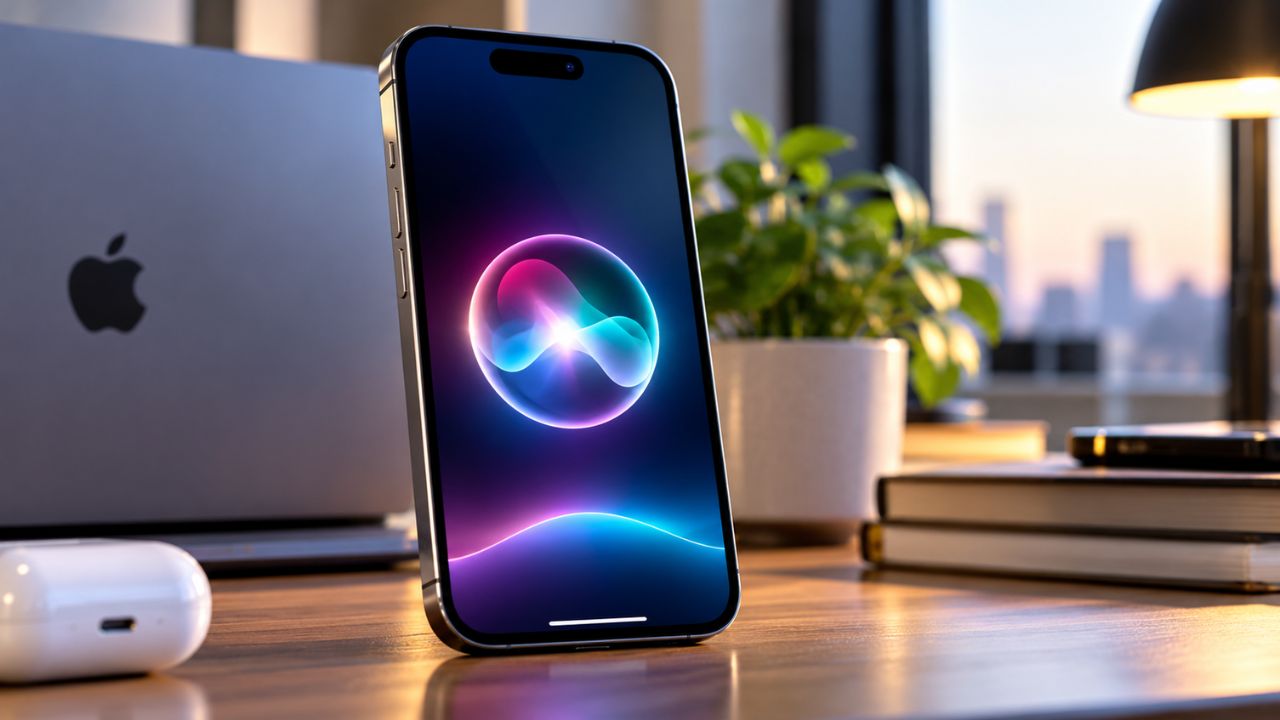
Apple has officially released iOS 27.2 for supported iPhone models. While minor version updates usually focus on background patches, this build delivers significant upgrades to native apps, brings major architectural memory to Siri AI, and seals over 160 underlying security vulnerabilities across the system.
Whether you rely on day-to-day productivity tools or prioritize on-device privacy, here is a detailed breakdown of what has changed and why installing this update is essential.
1. Smarter Siri AI with Conversation Memory
The headline upgrade in iOS 27.2 is Siri’s enhanced contextual awareness. Previously, starting a new prompt often cleared prior context, forcing users to repeat details.
- Conversational Recall: Siri can now remember previous queries across sessions. If you asked for a flight or restaurant recommendation earlier in the week, you can ask direct follow-up questions without restarting the dialogue.
- Deep Personal Context: Siri can securely cross-reference details from recent voicemails, Calendar attendee lists, Messages attachments, and your Safari Reading List to generate more relevant answers.
- Granular Text Selection: Instead of copying an entire long-winded response, you can now highlight and copy specific snippets or lines directly from Siri’s response card.
- Expanded Languages: Siri AI now supports French, Japanese, Korean, Portuguese, and Spanish (available on iPhone 15 Pro, iPhone 16 lineup, and newer models).
2. Over 160 Critical Security Patches
Beyond visual updates, iOS 27.2 stands out as one of Apple’s most vital security rollouts this year. The patch resolves more than 160 system vulnerabilities spanning Accounts, Photos, Shortcuts, and WebKit.
Key safeguards include:
- Hide My Email Protection: Patches a loophole where a user’s genuine email address could inadvertently be exposed despite the relay setting being turned on.
- Photo Library Isolation: Adds strict sandboxing checks to prevent third-party applications from bypassing privacy permissions to scan the Photos gallery.
- Unauthorized Hardware Access: Closes permission exploits that could have allowed background processes to trigger camera feeds or Bluetooth handshakes without explicit user consent.
Full details and CVE identifiers for these resolutions are outlined directly on Apple’s official security releases documentation.
3. Notable Upgrades Across Native Apps
Apple has also refined several daily interface touchpoints across native iOS apps:
| App | Key Addition | Practical Benefit |
| Messages | Actionable contextual suggestions. | Automatically generates single-tap package tracking or calendar event creation when details appear in a text. |
| Photos & Playground | SynthID digital watermarking. | Embeds transparent digital labels into images generated or modified using generative AI tools. |
| FaceTime | Expanded Dual Capture. | Group video calls now support streaming front and rear camera feeds simultaneously; also adds third-party live captioner support. |
| Apple Music | Redesigned monochrome icon. | Replaces the traditional red branding with a minimal black-and-white aesthetic. |
| Apple TV | Simple Profiles & Multiview. | Allows custom viewer profiles for family members and enables streaming up to four live sporting events side-by-side. |
Foldable iPhone Duo Enhancements
For users on Apple’s foldable hardware, iOS 27.2 introduces dedicated stylus support for the Apple Pencil (USB-C), streamlining note-taking and markups on the inner display. The update also adds an Edge Light notification ring optimized for folded tabletop video calls.
How to Install the Update Safely
Because of the extensive security patches, updating sooner rather than later is recommended:
- Connect your iPhone to Wi-Fi and ensure battery capacity is above 50% (or plug into a charger).
- Open Settings > General.
- Tap Software Update.
- When iOS 27.2 appears, tap Download and Install and follow the on-screen prompts.