
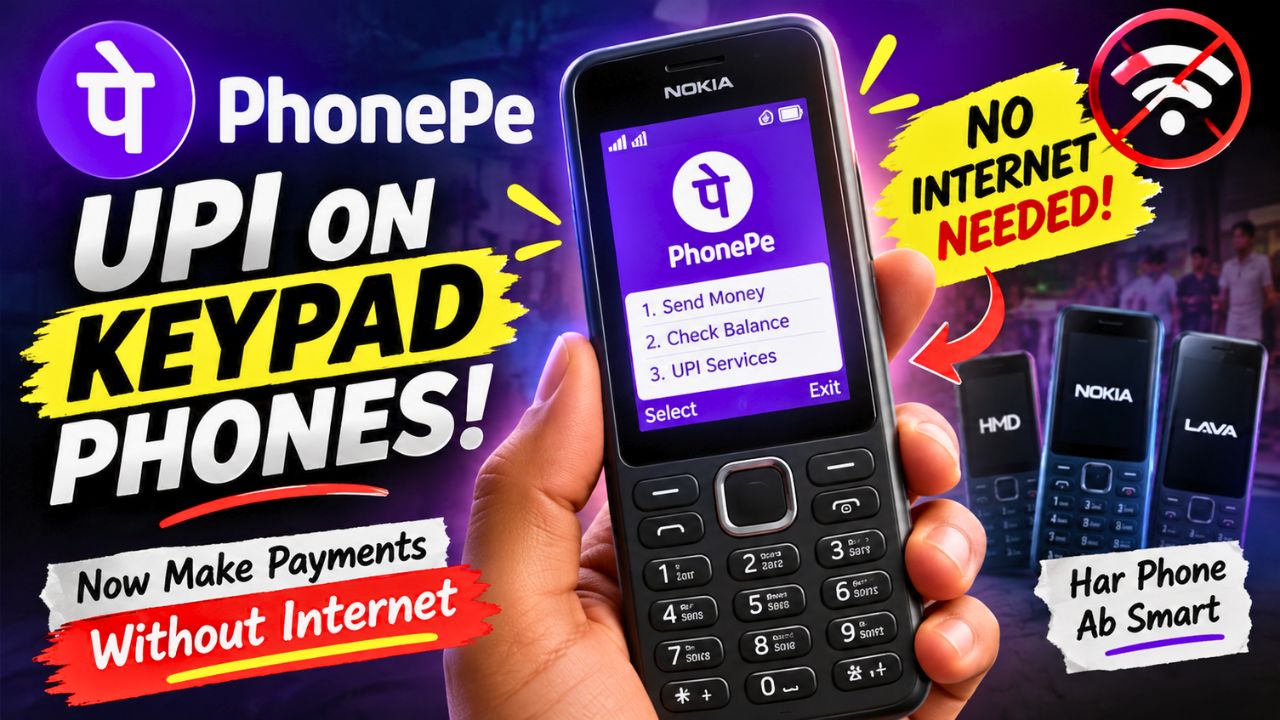
Who said a keypad phone can’t do UPI? PhonePe has just changed the game for basic keypad phones in India. You don’t always need a smartphone or mobile data to make a UPI payment anymore.
PhonePe has launched UPI 123Pay for feature phones, which brings UPI payments to selected keypad phones from brands like Nokia, HMD, Lava and Itel. The service can work without an internet connection, which is a pretty useful upgrade for people who still prefer simple phones.
And the interesting part is that this is not just about sending money. On supported phones, users can also pay using a mobile number or UPI ID, check their bank balance and transaction history, and even scan QR codes if the feature phone has a camera.
So yes, that old-looking keypad phone is getting a pretty modern feature.
What Is PhonePe UPI 123Pay?
PhonePe UPI 123Pay is a new service made for feature phone users.
Normally, when we think about UPI, we imagine opening an app on an Android phone or iPhone, scanning a QR code and entering a UPI PIN. But feature phones don’t work like that. Many of them don’t have the same apps, screens or internet access as smartphones.
PhonePe has built UPI 123Pay specifically for this type of phone. The service uses an SMS-based system, which allows payments to work even when there is no mobile internet connection. PhonePe says the system is designed to work in areas where only limited 2G connectivity is available.
That makes this feature especially interesting for people who use basic phones because they are cheaper, simpler or have better battery life.
Which Keypad Phones Support PhonePe UPI?
PhonePe says UPI 123Pay will be available on selected feature phones from:
- Nokia
- HMD
- Lava
- Itel
It will not automatically work on every keypad phone from these brands. The phone needs to be a supported model.
For example, HMD has confirmed support on models including the HMD 105 2G, HMD 110 2G, Nokia 105 Classic, Nokia 105 Single SIM, Nokia 105 Dual SIM, Nokia 106 and Nokia 123 Shield. More models may be added later.
So if there is an old Nokia or another keypad phone lying around at home, don’t assume it will work. The exact model matters.
Can You Really Make UPI Payments Without Internet?
Yes.
That’s one of the main points of PhonePe UPI 123Pay.
The service is designed so that a compatible feature phone does not need an active mobile data connection for the UPI payment service. PhonePe says its SMS-based architecture is designed to keep transactions working even in areas with limited 2G connectivity.
This can be useful when mobile internet is slow, unavailable or simply not part of the phone’s normal setup.
But there is an important difference here.
No internet does not mean no network at all. The phone still needs the required mobile connectivity for the service to communicate and complete the transaction.
So don’t think that you can switch the phone completely offline and somehow send money.
Can a Keypad Phone Scan a QR Code?
Yes, but there is a condition.
If the supported feature phone has a camera, PhonePe UPI 123Pay can provide a Scan & Pay option. You can scan a compatible QR code, enter the amount and confirm the payment using your UPI PIN.
That is probably the part that will surprise most people.
A phone with physical buttons and a tiny screen can now be used for a QR-based UPI payment.
Of course, the experience won’t be exactly like using PhonePe on a modern smartphone. The screen is smaller and the phone has much more limited hardware. But for a basic payment, that may not matter much.
What If the Phone Doesn’t Have a Camera?
You can still use other supported payment methods.
PhonePe says feature phone users can make payments using options such as a mobile number or UPI ID. The service also supports features such as checking account balance and viewing transaction history.
So having a camera is useful for QR payments, but it isn’t the only way to use UPI 123Pay.
How Do You Set Up PhonePe UPI 123Pay?
The setup is designed to happen directly on the compatible feature phone.
The basic process is:
- Open the pre-installed PhonePe app on the supported feature phone.
- Accept the terms and conditions.
- Select your bank.
- Enter the last six digits of your debit card and its expiry date.
- Create your UPI PIN.
- Once the setup is completed, the UPI ID becomes active.
After that, you can choose the available payment method, enter the required details, enter the amount and confirm the transaction using your UPI PIN.
The exact screens and options can depend on the supported phone model.
Who Will Actually Find This Useful?
Honestly, this feature is not really made for someone who already has a powerful ₹50,000 smartphone.
It is mainly useful for people who prefer keypad phones.
For example, someone may want a basic phone because it is cheap, easy to use and has long battery life. Earlier, digital payments were one of the reasons to keep a smartphone around.
Now, a compatible feature phone can handle basic UPI payments too.
This can also be useful in places where mobile internet is not always reliable.
And for people who simply don’t want a smartphone but still need digital payments, this could be a pretty good middle option.
Why This Is a Big Deal for Feature Phones
The keypad phone market may look small compared with smartphones, but there are still millions of people using feature phones in India.
PhonePe says its UPI 123Pay service is aimed at more than 200 million feature phone users in the country.
That is a huge number of potential users.
Think about it this way.
A person doesn’t need to buy an expensive smartphone just because they want to send money digitally. If their supported keypad phone can handle the payment, they can continue using the device they already like.
That is where this update becomes more than just another PhonePe feature.
It can make digital payments easier for people who don’t use smartphones.
Is PhonePe UPI 123Pay Safe?
UPI payments still require a UPI PIN to confirm transactions.
That means the PIN should be treated exactly like it is on a smartphone.
Never tell your UPI PIN to another person. Don’t share your debit card details with someone just because they say they are helping you activate the service.
And remember one simple rule:
A genuine bank or payment company will not ask you to reveal your UPI PIN.
The fact that a payment happens through a keypad phone doesn’t mean you should be less careful with your banking information.
What Happens If You Lose the Phone?
This is something feature phone users should also think about.
Your phone is connected to your mobile number and banking setup, so losing it should not be treated like losing an ordinary basic phone.
If your phone is lost, contact your mobile operator and bank or payment provider as soon as possible and follow their instructions to secure the account and payment access.
Don’t wait if you think someone else could access the device.
PhonePe Is Also Adding More Help for Feature Phone Users
PhonePe has also introduced a voice-first AI-powered helpline to help users activate and understand the service.
The helpline supports English and 12 Indian languages and is designed to provide step-by-step guidance for feature phone users.
This is actually a smart addition because the people using keypad phones may not always be comfortable navigating complicated app menus.
Having voice-based help can make the setup less confusing.
Is This Better Than Using a Smartphone?
Not really.
A smartphone will still give you a much bigger screen, faster apps, better QR scanning and many more features.
PhonePe UPI 123Pay is solving a different problem.
It is basically saying:
If you don’t want or don’t have a smartphone, you can still participate in digital payments.
And that is where it makes sense.
If you already have a smartphone, there isn’t much reason to switch to a keypad phone just for this feature.
But if you already use a compatible keypad phone, getting UPI support without needing mobile internet can be genuinely useful.
The Best Part About This Update
For me, the most interesting part is not even the QR scanning.
It is the fact that a basic keypad phone can now become a useful digital payment device without depending on mobile internet.
A few years ago, if someone told you that a Nokia-style keypad phone could be used for UPI payments, it would probably sound strange.
Now it is actually happening.
And because PhonePe is working with Nokia, HMD, Lava and Itel, this isn’t limited to one special phone. More compatible devices and manufacturers are expected to be added over time.
Final Thoughts
PhonePe bringing UPI to keypad phones is one of those updates that looks small at first but can actually be very useful.
You don’t need a big touchscreen for every digital payment. With PhonePe UPI 123Pay, compatible feature phones can now be used for UPI payments without an internet connection, while camera-equipped models can also support QR scanning.
It won’t replace smartphones, and it isn’t supposed to.
The real benefit is simple: if someone wants to keep using a basic keypad phone, they don’t necessarily have to give up UPI payments.
For people who want a cheap, simple phone with long battery life and basic digital payment support, this could be a very interesting option.
And honestly, PhonePe putting UPI inside a keypad phone?
Frequently Asked Questions
Can PhonePe work on a keypad phone?
Yes. PhonePe UPI 123Pay is now available on selected feature phones from Nokia, HMD, Lava and Itel. It is not supported on every keypad phone, so the exact model needs to be checked.
Can I make UPI payments without internet?
Yes. PhonePe UPI 123Pay is designed to let supported feature phones make UPI payments without an internet connection through its SMS-based system. The phone still needs the required mobile network connectivity.
Can a keypad phone scan a UPI QR code?
Yes, on supported feature phones that have a camera. PhonePe says the Scan & Pay option is available on camera-equipped compatible devices.
Which Nokia phones support PhonePe UPI?
HMD has confirmed support on models including HMD 105 2G, HMD 110 2G, Nokia 105 Classic, Nokia 105 Single SIM, Nokia 105 Dual SIM, Nokia 106 and Nokia 123 Shield. Support can vary by model and rollout.
Do I need a smartphone to set up PhonePe UPI 123Pay?
No. PhonePe says the registration process can be completed directly on a supported feature phone. You need to select your bank, provide the required debit card details and create a UPI PIN.
Is PhonePe UPI 123Pay available on all keypad phones?
No. It is currently available on selected models from Nokia, HMD, Lava and Itel, with more device partnerships expected later.
Can I check my bank balance on a feature phone?
Yes. PhonePe says UPI 123Pay supports checking account balances and viewing transaction history on supported feature phones.
Is PhonePe UPI 123Pay useful for someone who already has a smartphone?
Not necessarily. If a smartphone is already available, the normal PhonePe experience is more convenient. UPI 123Pay is mainly useful for people who prefer or rely on compatible feature phones.