
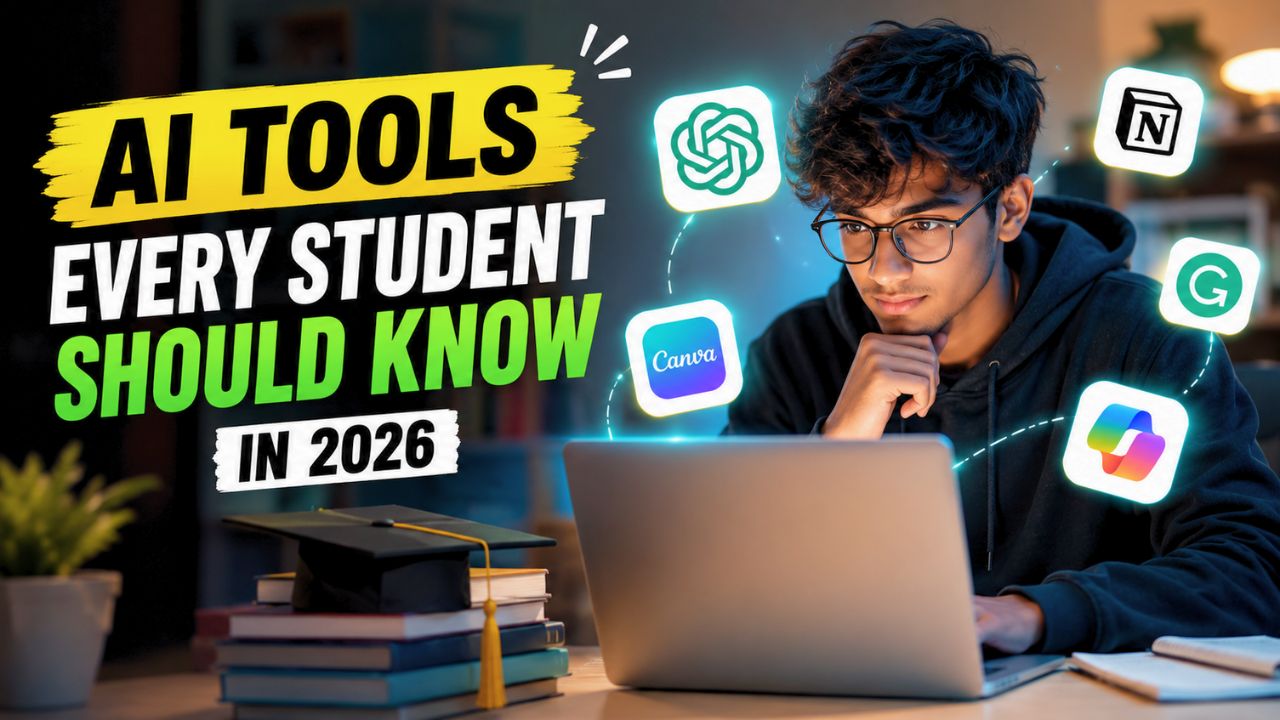
Studying has changed more in the last two years than it did in the previous decade. AI is no longer something that only developers or large companies use.
Today, students are using AI to organize notes, understand difficult topics, prepare presentations, summarize research papers, and even improve their writing.
The biggest mistake many students make is believing that AI can replace learning. It can’t. The students getting the best results are the ones using AI as a learning partner instead of letting it do all the work. Used correctly, these tools can save hours every week while helping you understand subjects more efficiently.
If you’re a school student, college student, or preparing for competitive exams, these are some of the best AI tools every student should know in 2026.
ChatGPT
When most people think about AI, ChatGPT is usually the first tool that comes to mind, and for good reason. It can explain complex concepts in simple language, solve coding problems, generate study plans, summarize long chapters, and even help practice interviews.
Instead of copying answers directly, students can ask ChatGPT to explain topics step by step or provide real-world examples. This approach makes learning much more effective than simply searching for answers online.
Best for:
- Understanding difficult concepts
- Homework guidance
- Coding practice
- Brainstorming project ideas
- Exam preparation
Google Gemini
Google Gemini has become one of the most useful AI assistants for students who rely on Google services. It works well with Google Docs, Gmail, Drive, and Search, making it easier to organize study material without switching between multiple apps.
Its ability to combine search results with AI-generated explanations makes research faster while still encouraging users to verify information from reliable sources.
Best for:
- Research assistance
- Google Workspace integration
- Document summaries
- Presentation preparation
Microsoft Copilot
Students who frequently use Microsoft Word, Excel, or PowerPoint may find Microsoft Copilot especially useful. It helps draft reports, organize spreadsheets, create presentations, and improve written assignments without spending hours formatting documents.
For group projects, Copilot can also help organize ideas and structure presentations more efficiently.
Best for:
- Assignments
- PowerPoint presentations
- Excel calculations
- Report writing
Notion AI
Managing multiple assignments, deadlines, and notes can quickly become overwhelming. Notion AI helps students stay organized by summarizing notes, creating study schedules, and generating to-do lists automatically.
Instead of maintaining separate notebooks for every subject, students can keep everything in one workspace.
Best for:
- Study planning
- Note organization
- Task management
- Project planning
Perplexity AI
Finding trustworthy information online often takes longer than expected. Perplexity AI simplifies this by providing answers along with source references, making it easier to verify information before using it in assignments.
This makes it particularly useful for academic research where credibility matters.
Best for:
- Research
- Source-backed answers
- Literature reviews
- Fact checking
Grammarly
Writing skills remain important even in the AI era. Grammarly helps students improve grammar, sentence clarity, tone, and readability without changing the original meaning of their work.
Rather than rewriting everything, it encourages better writing habits over time.
Best for:
- Essays
- Emails
- Reports
- Grammar improvement
Canva Magic Studio
Presentations often take longer to design than to prepare. Canva’s AI-powered Magic Studio helps generate presentations, posters, infographics, and classroom projects much faster while maintaining a professional appearance.
Students with little design experience can still create polished visuals within minutes.
Best for:
- Presentations
- Posters
- Infographics
- College projects
NotebookLM
NotebookLM is becoming increasingly popular among students because it allows users to upload their own notes, PDFs, and documents before asking questions. Instead of searching the internet, it answers based on the material you provide.
This makes revision more focused and reduces distractions.
Best for:
- PDF summaries
- Personalized study sessions
- Revision
- Research notes
Otter.ai
Taking notes during lectures isn’t always easy. Otter.ai automatically records conversations, generates transcripts, and creates searchable notes that students can review later.
This is especially useful during seminars, online classes, and interviews.
Best for:
- Lecture notes
- Meeting transcripts
- Revision
- Study groups
Wolfram Alpha
Math and science students continue to rely on Wolfram Alpha because it doesn’t just provide answers. It also explains calculations and problem-solving methods step by step.
This helps students understand concepts instead of memorizing solutions.
Best for:
- Mathematics
- Physics
- Engineering
- Data analysis
Quick Comparison
| AI Tool | Best For | Free Version |
|---|---|---|
| ChatGPT | Learning & explanations | Yes |
| Google Gemini | Research & Google Workspace | Yes |
| Microsoft Copilot | Office productivity | Yes |
| Notion AI | Study planning | Limited |
| Perplexity AI | Research with sources | Yes |
| Grammarly | Writing improvement | Yes |
| Canva Magic Studio | Presentations & design | Limited |
| NotebookLM | PDF learning & revision | Yes |
| Otter.ai | Lecture transcription | Yes |
| Wolfram Alpha | Math & science | Yes |
How Students Should Use AI Responsibly
AI is most useful when it supports learning instead of replacing it. Rather than asking AI to complete assignments from start to finish, use it to understand concepts, generate practice questions, organize notes, and improve your own work.
It’s also important to verify important information from textbooks, teachers, or trusted academic sources, especially when preparing for exams or submitting research projects. Responsible use of AI not only improves learning but also helps develop critical thinking skills that remain valuable beyond the classroom.
Final Thoughts
The number of AI tools available today is growing rapidly, but not every tool is worth your time. The AI tools every student should know in 2026 are the ones that genuinely improve productivity, simplify research, and help you understand subjects more effectively.
The goal isn’t to use the most AI tools. It’s to choose the right ones that fit your study style. Even using two or three of these tools consistently can make studying more organized, reduce repetitive work, and leave more time to focus on learning what actually matters.





![How to reduce battery drain after [AndroidiOS version] update](https://unifite.in/wp-content/uploads/2026/10/How-to-reduce-battery-drain-after-AndroidiOS-version-update-100x70.jpg "How to Reduce Battery Drain After an Android or iOS Update (2026)")
![Best educational apps for adults learning [skill]](https://unifite.in/wp-content/uploads/2026/10/Best-educational-apps-for-adults-learning-skill-100x70.jpg "Best Educational Apps for Adults Learning New Skills in 2026")