Last month, something frustrating happened.
I tried logging into one of my old accounts… and I couldn’t remember the password.
So I clicked “forgot password.”
Then I checked my email… which also needed a password.
And guess what? I didn’t remember that either.
That’s when it hit me.
I was using the same 2–3 passwords everywhere, and still managing to forget them.
And honestly, this is not just my problem. Most people either reuse passwords or save them randomly in notes, which is risky.
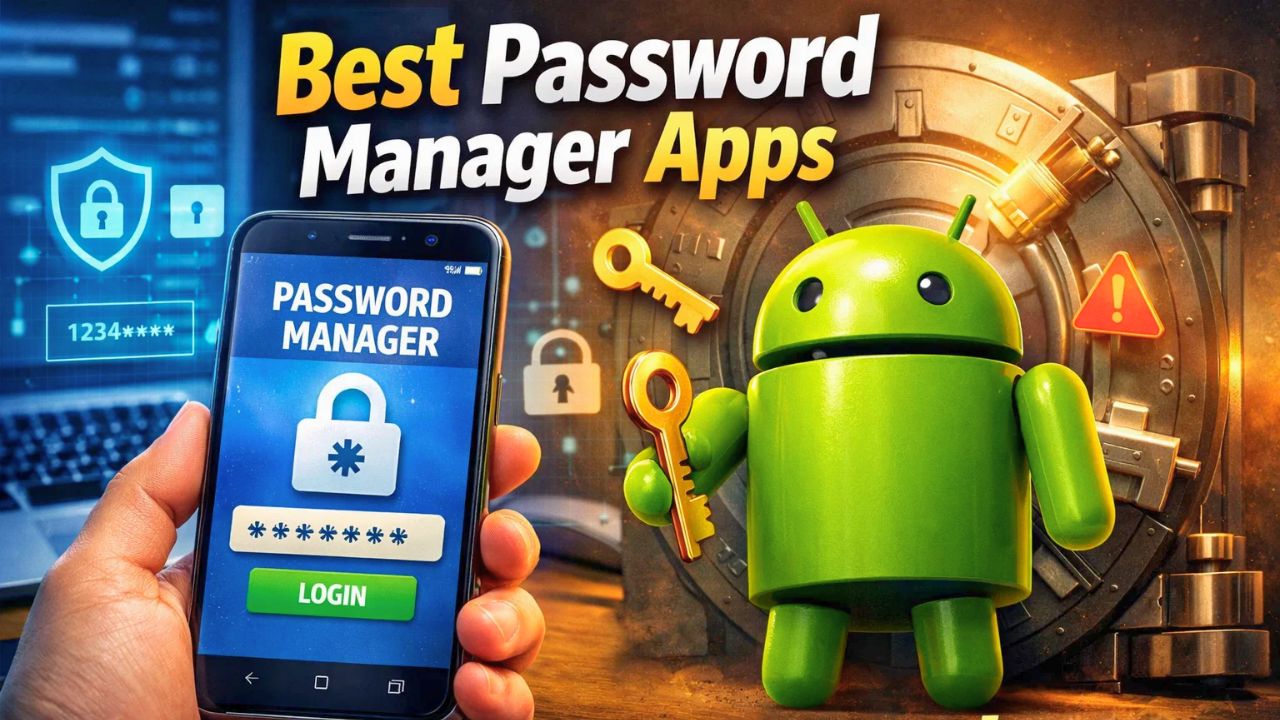
That’s exactly when I started looking for password manager apps for Android that can actually make life easier without complicating things.
Why You Actually Need a Password Manager Today
Let’s be honest for a second.
You probably have:
- 20+ accounts
- Different apps, websites, banking logins
- OTPs, PINs, passwords everywhere
Trying to remember everything manually just doesn’t work anymore.
In my experience, the biggest problem is not creating passwords.
It’s managing them safely.
That’s where best password manager apps for Android users come in. They store your passwords securely and let you access them with one master password or biometric login.
What I Looked for Before Choosing Any App
Before installing anything, I made sure of a few things. Not every app that claims to be “secure” is actually reliable.
Here’s what I checked:
- End-to-end encryption
- Auto-fill support on Android
- Easy backup and sync
- Clean and simple interface
- Trusted reputation
If an app fails in these areas, it’s not worth using.
Best Password Manager Apps For Android Users
After testing and comparing, these are the apps that actually stand out.
1. Bitwarden – Simple, Secure, and Reliable
Bitwarden is one of the most trusted Android password manager apps right now.
What I liked:
- Open-source (transparent system)
- Free version is actually useful
- Strong encryption
- Smooth autofill
It doesn’t try to overcomplicate things.
If you want something clean and reliable, this is a strong option.
2. LastPass – Easy for Beginners
LastPass is popular because it’s easy to use.
Why people choose it:
- Simple setup
- Good interface
- Autofill works well
- Cross-device sync
If you’re new to password manager apps, this one feels comfortable to start with.
3. Dashlane – Extra Security Features
Dashlane is slightly more premium but comes with additional features.
What stands out:
- Dark web monitoring
- Security alerts
- Password health check
It’s useful if you want more than just password storage.
4. 1Password – Clean and Professional Experience
1Password focuses on a smooth and premium experience.
Key points:
- Strong security system
- Easy to organize passwords
- Works well across devices
This is a good choice if you want a polished app and don’t mind paying for it.
5. Google Password Manager – Built-in and Convenient
If you use Android regularly, you already have this Google’s password manager.
Why it works:
- Built into Google account
- Automatic sync
- Easy autofill
It’s not the most advanced, but it’s very convenient for everyday use.
One Mistake I Used to Make (Avoid This)
Earlier, I used to save passwords in notes or reuse the same password everywhere.
It felt easy.
But the risk is huge.
If one account gets compromised, everything else becomes vulnerable.
Switching to a secure password manager app fixed that completely.
What You Should Choose (Simple Advice)
If you’re confused, don’t overthink.
- Want free + reliable → Bitwarden
- Want simple setup → LastPass
- Want extra features → Dashlane
- Want premium experience → 1Password
- Want basic convenience → Google Password Manager
Pick one and start.
That’s more important than choosing the “perfect” app.
Final Thought
Managing passwords manually in 2026 is honestly not practical anymore.
You don’t need to remember everything.
You just need one secure system.
Once I switched to a password manager, things became much easier and safer. If you’re still using the same passwords everywhere, this is probably the right time to change that.